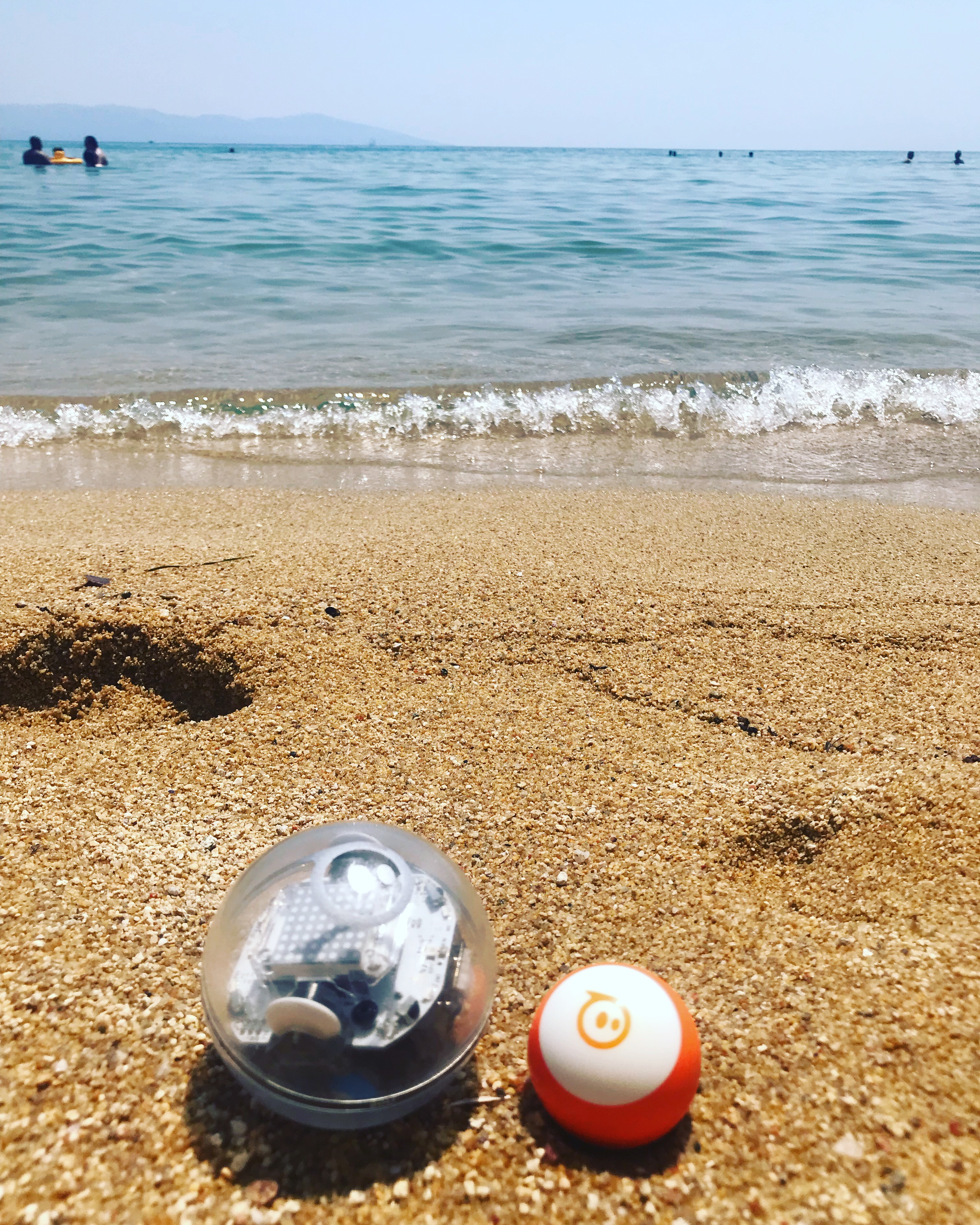
Sphero is a spherical reprogrammable robot produced by Orbotix.
I learned about the Sphero robots from a Facebook ad in early 2017. I saved the link to the manufacturer’s website, because the robot seemed very cute and interesting to me. I looked at the options for its purchase, but it was out of stock. With the eventual order, I had to wait for it for over a month. Purchasing a Sphero robot was not an option, so I left it all in the realm of distant dreams.
A year later I got a job as a Technology teacher at a wonderful school. In one of the classes I teach, I found a boy who is very passionate about robotics and artificial intelligence. We talked a lot on the topic when he told me that he collects robots. A few of his “babies” were different Sphero robots that he brought for me to see the very next time – the Sphero mini and the Star Wars BB-8 robot. I fell in love with Sphero’s interactivity. It’s small and light, with a clean and futuristic design, a bunch of fun sensors, infrared (broadcasting) sensor, the ability to program it in both JavaScript and block coding. It lights up, spins, makes sounds and accepts commands written in code. The perfect toy for a programmer, technology fan and current teacher, like me.
We explored the robot’s options together, played with it during lunch breaks, and had a lot of fun in general. Subsequently, I saw on the Internet that the Sphero mini was now available so I immediately bought it!
I came up with some interesting programs, like the Unfortune cookie – bad luck rains on you when you shake the robot, so it says something like “your dinner will burn and you’ll be hungry”, “it’s going to rain and you won’t have an umbrella” etc.

I also came up with a simple but fun program, where the robot behaves like a “paramecium”, which is a microscopic, single-celled, and free-living protozoan. The interesting thing about the paramecium is that it has no brain, but what it does when it hits something is that it starts going backwards. My program makes the robot act just like that. If you are interested in this program, and some other simple beginner-level ones (accompanied by a teacher presentation and everything you may need to teach Sphero basics), you can click here and check out my project, purchase it if you need to save some time and still have something fun to teach with (First BEGINNER coding programs with a Sphero® robot Events interface paramecium).
On a sunny Autumn day, I took my Sphero mini for a walk and took some cute videos of it rolling around in the yellow leaves, talking to my cup of tea on a bench, and shining against the broken tiles in the park. You can watch a video of that walk if you click here and go to my YouTube channel (Sphero robot loves Autumn). Unfortunately, my walk didn’t really work as planned, because the robot’s shell got scratched a little by the asphalt (I didn’t realize it was plastic at all, so driving it on the asphalt was not very wise). There are some scratches on the top, but that makes it even more magnificent and I am used to it by now. I’m hoping Orbotix will start making replacement skins for the Sphero mini soon so I can bring my little robot back to life. Also, they do sell nubby covers for the Sphero Bolt, maybe they need to start manufacturing them for Sphero mini too.
So, in conclusion, the Sphero robot is a wonderful and very educational toy for both young and old people. It is easy to use, with multiple apps working with it. Its interface is intuitive and well put together, its design is clean and elegant, the price is in the middle range of things you can afford if you save a little money. Sphero is easy to work with and easy to learn and code with. I recommend the robot with all my heart. I was so captivated by it that I started a highly successful robotics club at the school where I was teaching at the time. The club will be the subject of a series of other posts.
 Technology Realm Resources