Algorithms can be tricky, and a bit hard to explain to a 5 or 6, or even a 10 years old student. Imagine being so young, caring about Roal Dahl books, games and the newest animated movies, when all of a sudden, your teacher says “Let’s talk about Algorithms”. “Wait, Algo-what…? How do you even spell that”, you say, all puzzled and intimidated, but don’t stress yourself too much. This blog post will hopefully help you to gain perspective and learn a few easy ways to teach Algorithms to your students, without the lesson being daunting or boring.
Helping kids understand how algorithms work lays the foundation for logical thinking and problem-solving. Algorithmic thinking supports creativity and helps children tackle challenges across STEM and beyond. The best way to teach Algorithms is to allow the students to discover what it is by modeling it to them through a few unplugged (and later on an actual computer) activities.
A Bit of History
The word algorithm comes from the 9th-century Persian scholar Al-Khwarizmi, whose work on Hindu-Arabic numerals and equations laid the groundwork for modern math. His name was Latinized as “Algoritmi,” which gave us the word we use today. Later, in 1936, Alan Turing expanded on this idea by showing how machines could solve problems using step-by-step instructions—what we now call algorithms.
So, What Is an Algorithm?
An algorithm is a clear, step-by-step set of instructions used to solve a problem or complete a task.
Unplugged activities
The thing I always start with is a few unplugged activities where the students have to follow some rules and steps, in order to finish a task.
The robot unplugged game (or the so called “exact instructions challenge”)
The easiest way to start is The robot unplugged game. The teacher picks 1 student to do the instructions, gives a task to play pretend with, and starts acting like the robot that needs the instructions. Let’s say the task is to tie your shoe. The student has to give exact orders/instructions, in a step-by-step way, and the teacher has to follow strictly. The student says “Grab the shoelaces”, but he/she forgot to say “Bend down” first. The teacher tries to reach the shoelaces without bending, but obviously, you can’t reach your feet if you are standing up. This game is always fun, because the untrained mind of a student that has no computational thinking yet can produce weird and out of order instructions that can totally mess up the whole task.
Here are a few hilarious but very helpful videos that you can play to your students to understand how the exact instructions work and what is really required of them with the robot game:
THIS “EXACT INSTRUCTIONS CHALLENGE” IS SO HILARIOUS – peanut butter and jelly sandwich instructions
Exact Instructions Challenge – Ramen Edition | Josh Darnit – ramen preparation instructions
Exact Instructions Challenge Drawing Edition | Josh Darnit – drawing instructions
If you feel like showing other videos, just browse “exact instructions challenge” in YouTube and you will find tons of similar fun videos.
Drawing algorithm on paper
Another way to explain algorithms is through following some premade ones on paper. Give your students some empty pieces of paper, or they can do this in their notebooks. Think of several algorithms that you can give them, so they fill the paper. Here’s an example:
Step 1 – Draw a red circle.
Step 2 – Draw a blue square.
Step 3 – Color one shape in green.
Step 4 – Write your name in a square.
Step 5 – Do step 1 five times.
Step 6 – Do step 2 two times.
Step 7 – Do step 3 four times.
Algorithm drawing exercise book
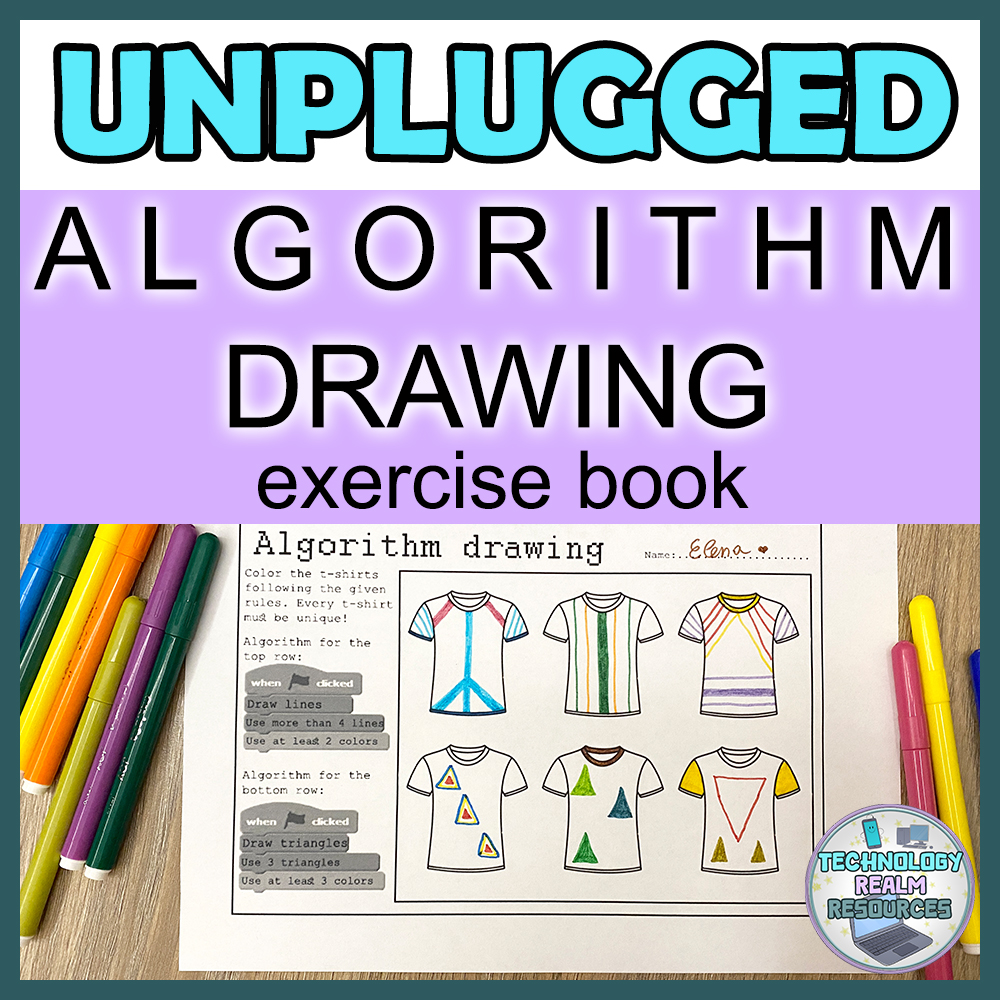
If you don’t have enough time to prepare anything, you can always use my algorithm drawing exercise book. It contains several pages with block-style instructions and some shapes and pictures. The students have to follow the instructions to fill the shapes in different ways. You can click here and follow the link to TpT where you can get the whole algorithm drawing exercise book. Here is a page from the book, so you get a general idea of how the exercises look like:
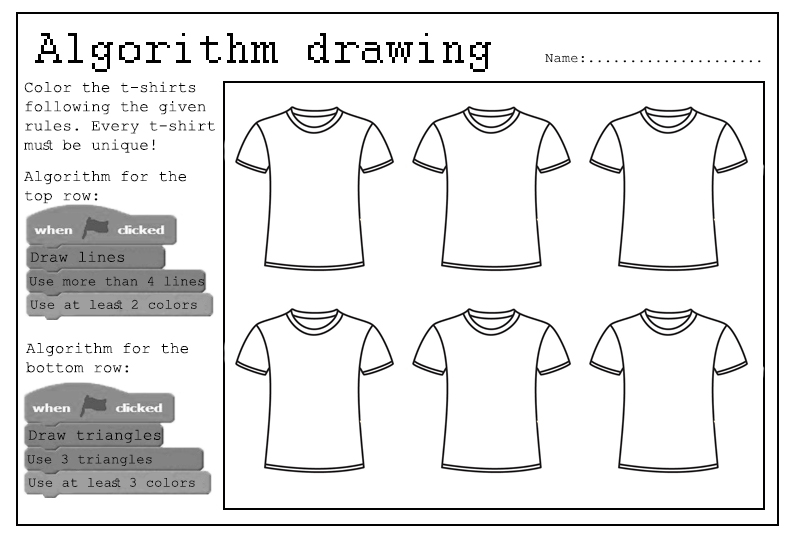
Computer lab (device) style
There are, of course, other, more digital ways to teach algorithms, if you feel like the unplugged style isn’t right for your students or if you’ve been through the unplugged already and in need of a next step. Let me show you how I recommend you do this.
Websites where you can find algorithm activities
code.org – my favorite place to start with, right after I’m done with the unplugged activities I mentioned. There are great lessons here, very fun and sometimes you can even find thematical activities to use algorithms with, and to get to know the starting blocks of block programming. There are many sequences of activities that start with easy tasks and end with more complicated ones where you have to follow an algorithm or create one to solve something. Everything in the website is very well structured and you can also create teacher and whole-class accounts and track the students’ progress. The different themes I have seen lessons done in are for example the “Plants VS zombies” game, the “Angry birds” game and other popular games. Here is a screenshot of how an activity looks like:
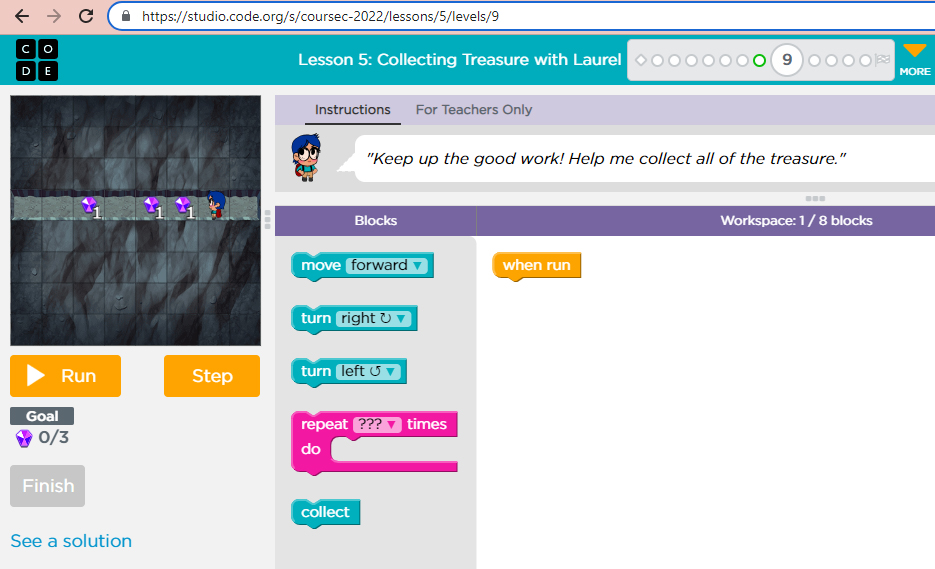
The students move the blocks around and build an algorithm, which they test out until it is ready and solves the puzzle.
There are other similar websites, like CodeMonkey.com and CSUnplugged.org, but I haven’t used them in my computer lab with my students so I can’t recommend them.
Of course, you can always tell the students to open a drawing software like Paint and make them do the same activities as the ones I mentioned in the Unplugged part of this post, but on the computer and not on a piece of paper.
I hope this post has been helpful. Algorithms don’t have to be intimidating or hard to teach or learn, as long as you have the right tools to tackle and handle them.
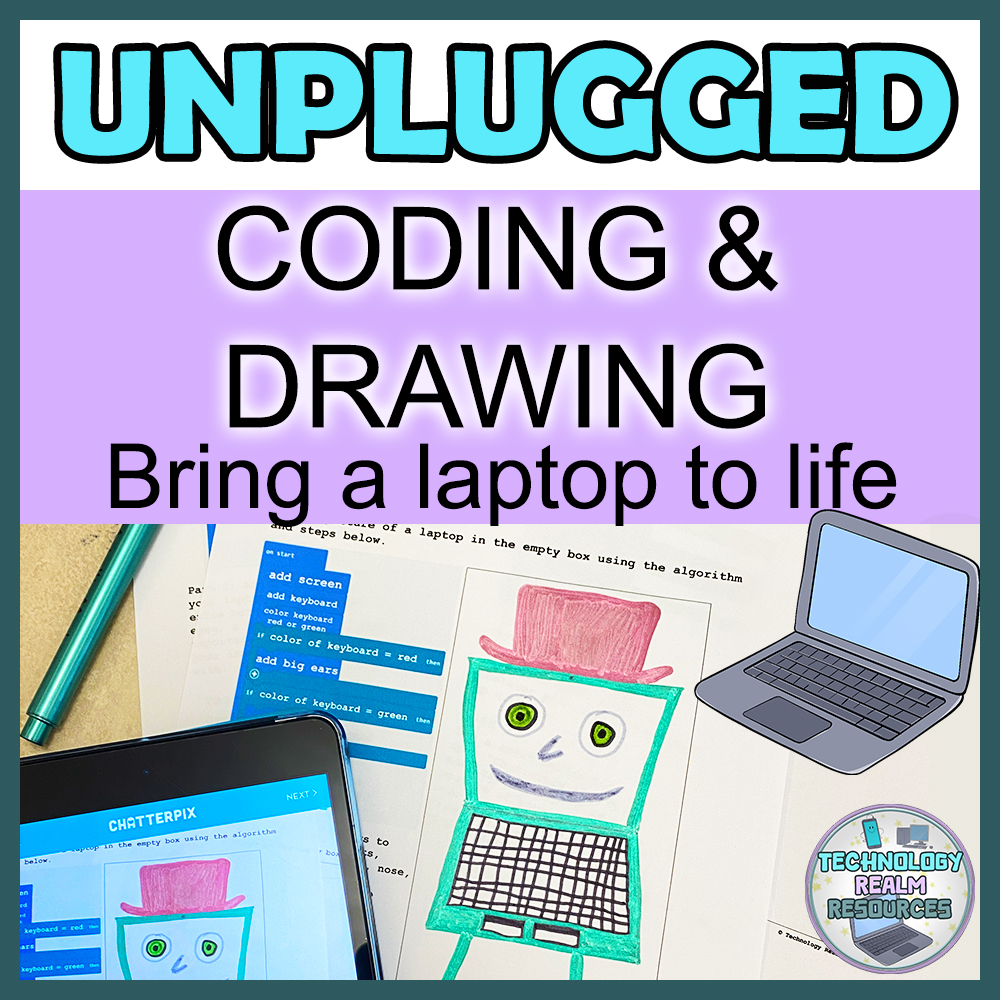
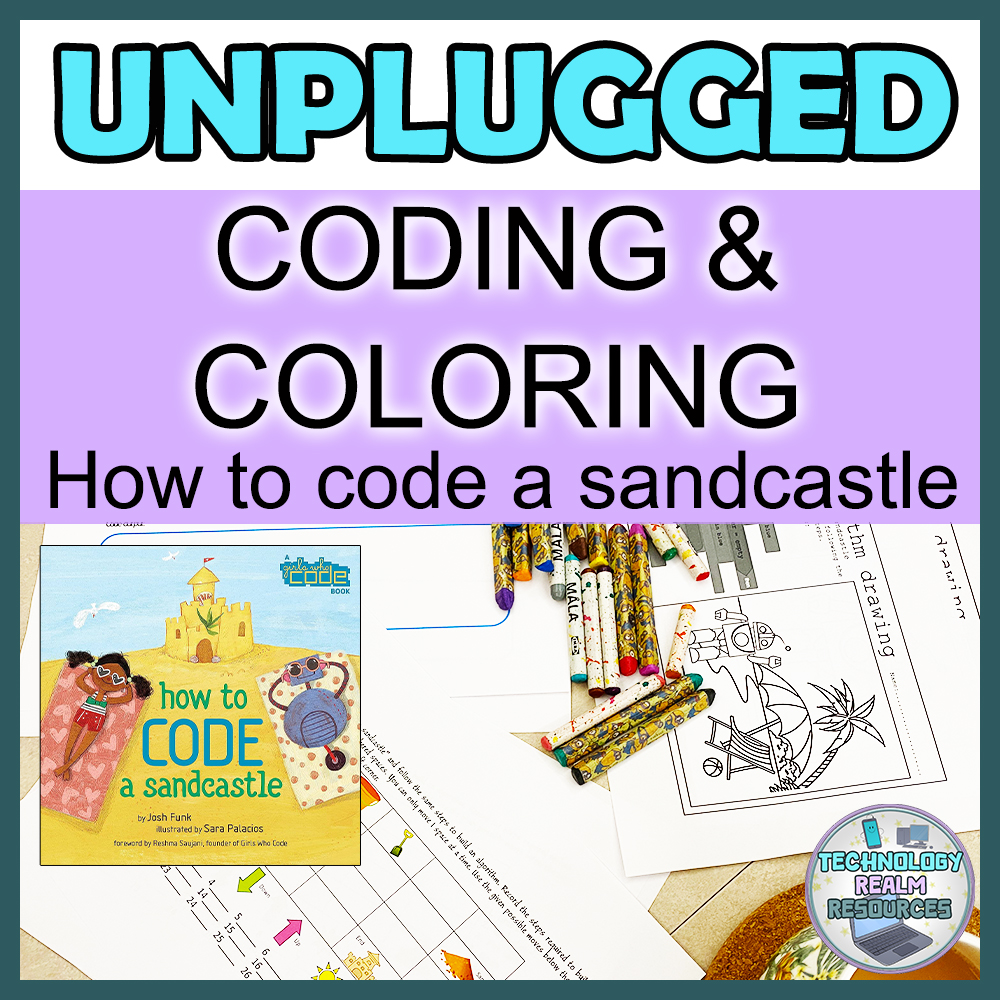
Some more unplugged coding ideas with pseudocode algorithms:
 Technology Realm Resources