Sometimes I don’t feel like giving a worksheet and constantly shouting “Silence!” while everyone is working in boredom. Neither do my students. Oftentimes, they need some fun, so I give them a game instead. Of course, I am not talking about World of Warcraft, or Super Mario, I am talking about an educational game. In this way, the students feel like they are no longer in school or in class, they feel like they are having some good time and relaxing, while, well, still studying and exercising (but not knowing it). Let me tell you about the “Feed the monster” game that I use all the time in my Technology classroom (a computer lab actually).
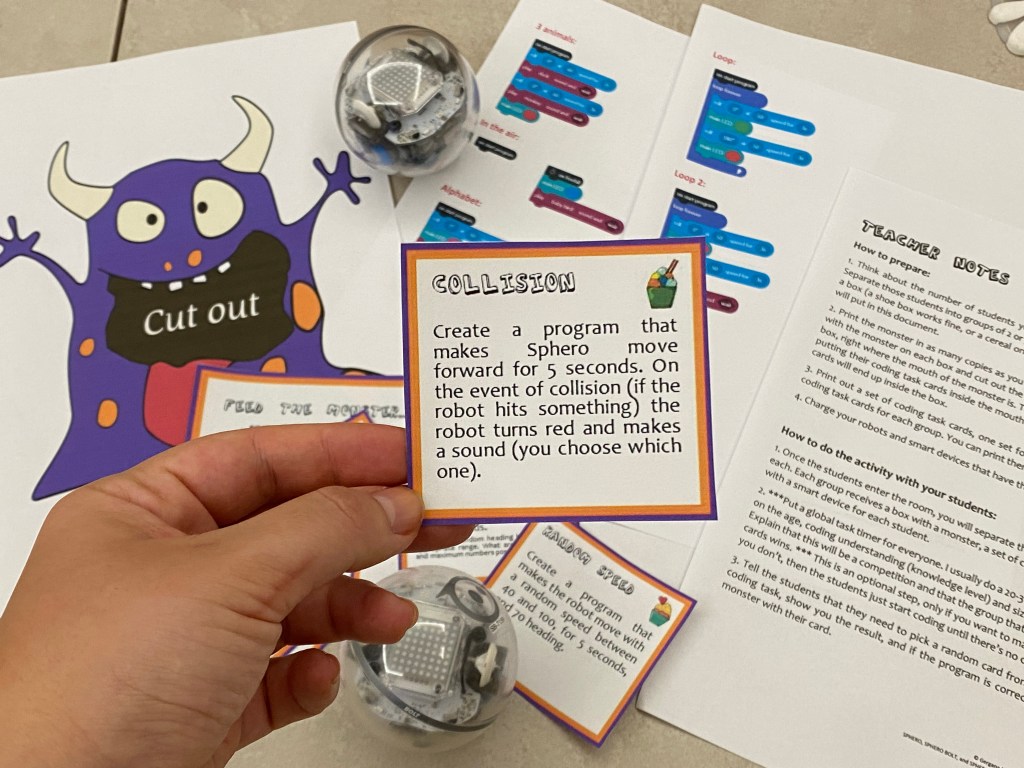
Materials:
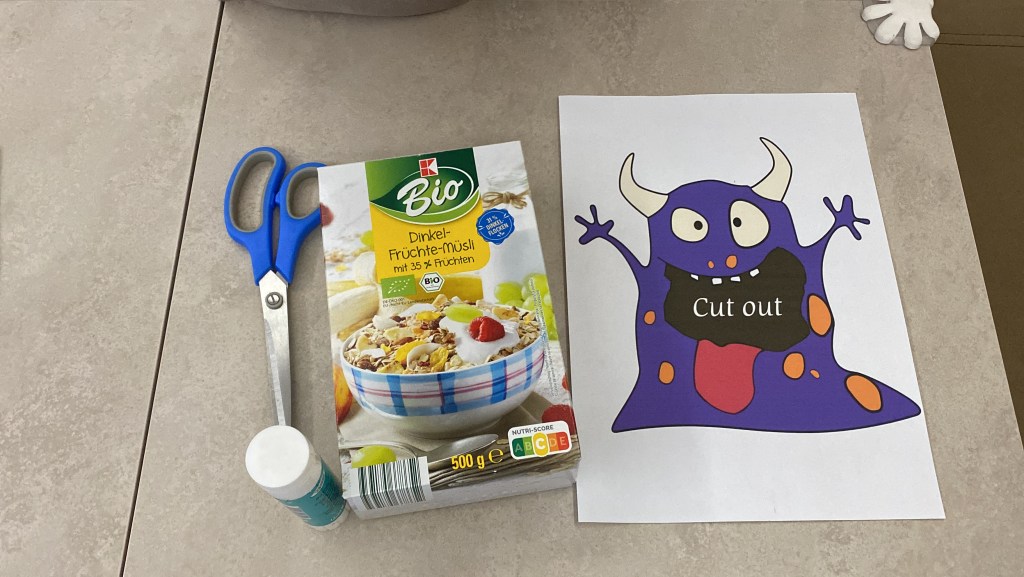
- an empty box (cereal box is what I always use, but a shoebox, another box or even a paper bag, works just fine)
- the printed monster
- scissors and glue
- the printed cards
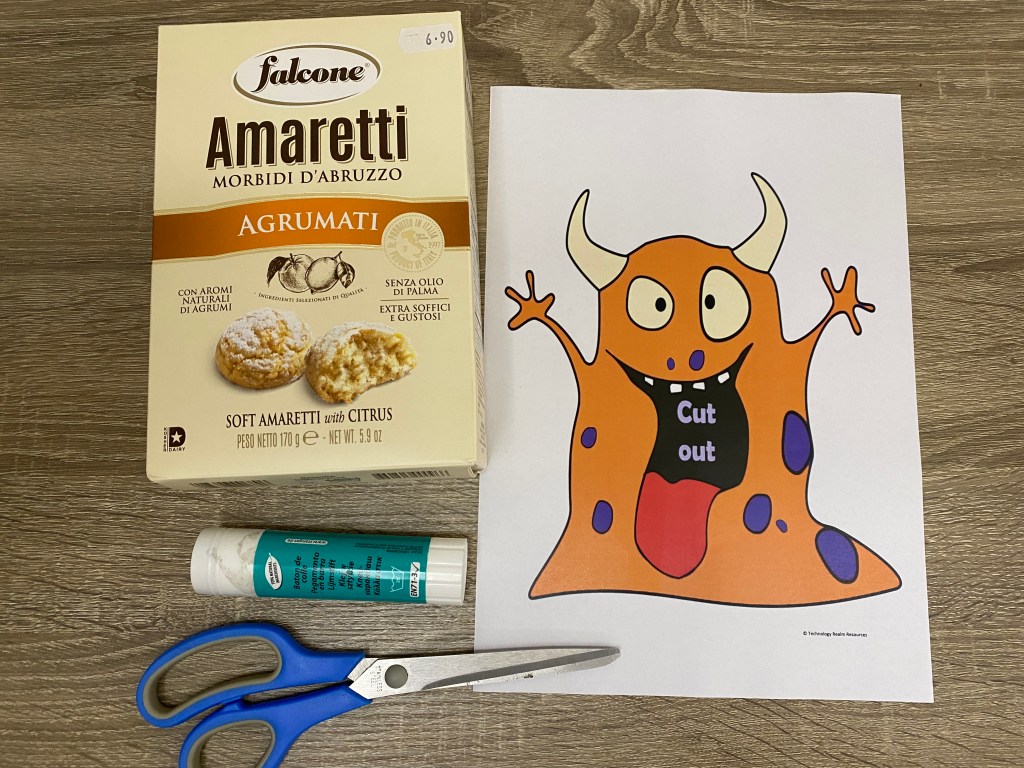
How to prepare:
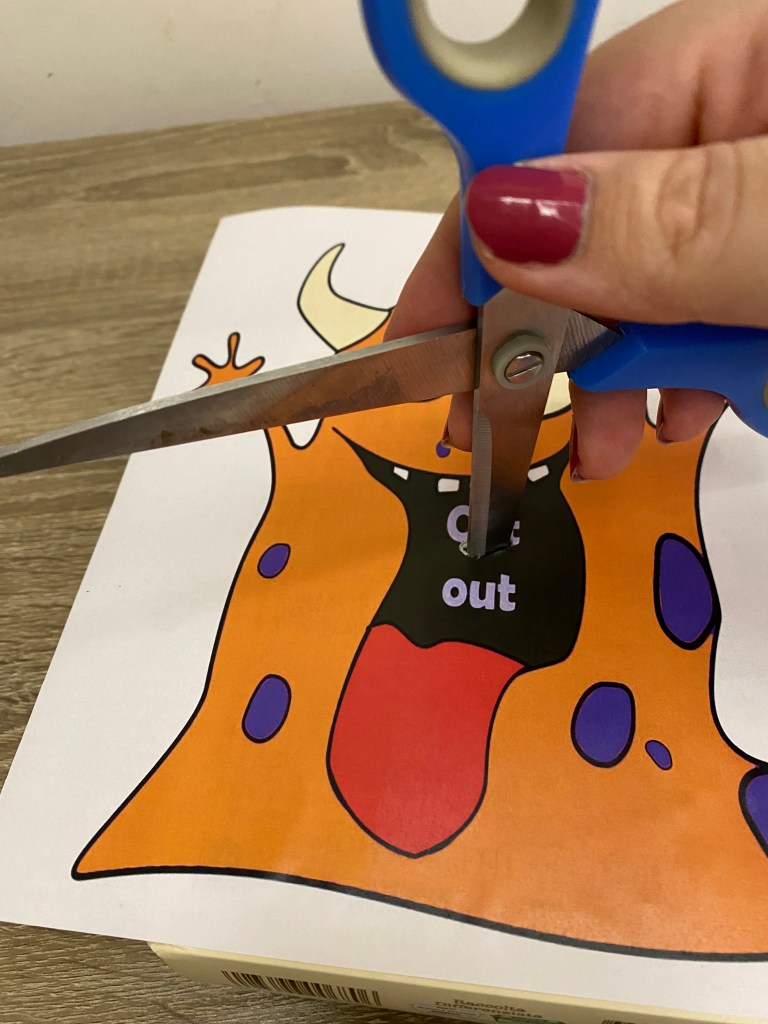
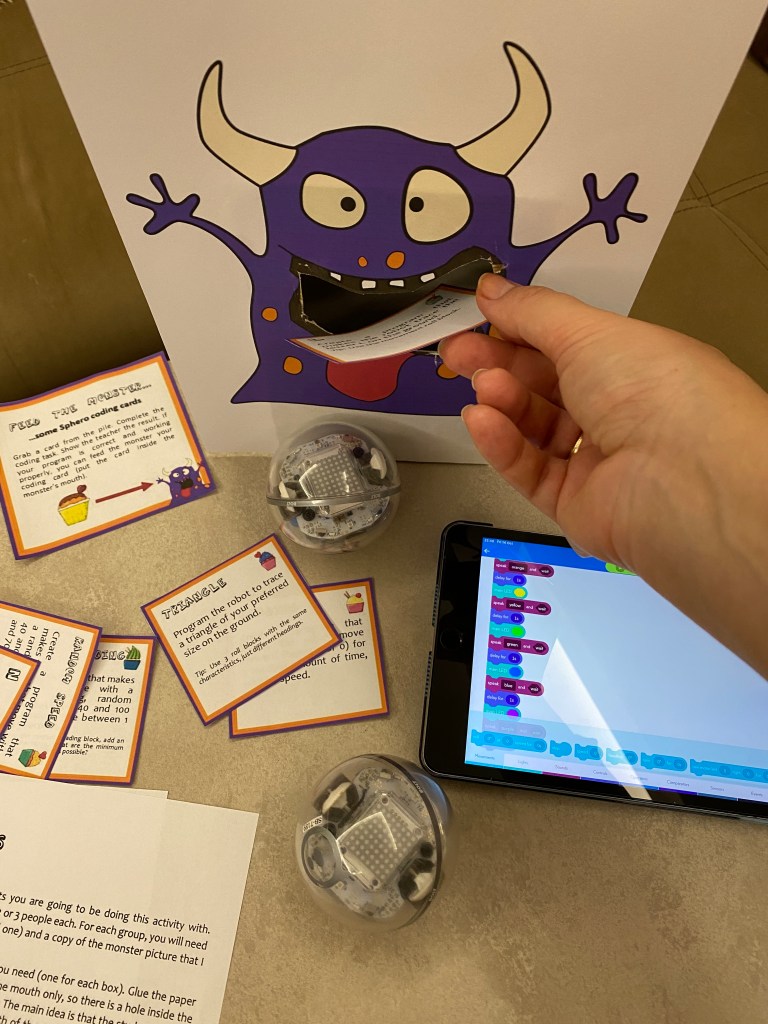
Print the monster and the cards. Glue the monster on the box and then with the scissors, cut out a hole where its mouth is. Well you are ready!
How to play:
The cards have different tasks. A student picks up a random card from a pile (from the printed ones) and starts doing the task. When he/she is done, if the task is done correctly, then the student may “feed the monster” with their card. That is all! Also, this game is done the best by 2-3-4 students tops, so you can’t have the whole class use one box. Come up with 20-30 cards (tasks) and separate the class in groups of 2-4 people. Each group gets a set of cards and its own monster on a box. (if you don’t feel like wasting a couple of hours to create your own cards and monster, just keep on reading, I will give links to what I have already created so you can use those 🙂 )
Where to apply the game:
The first time I saw this game was on Pinterest. Somebody was using the game for math problems, but it can actually be used with every other subject and with most topics. These are a couple of suggestions where to apply the game:
- the FIRST coding activity after the intro lesson – just create easy beginner level cards
- a competition – just split the class into groups of 2-3-4 people each and see which group manages to feed their monster with the most cards for a certain amount of time (use Google to start a global timer on the smart board or on the wall, for everyone to see, just google “timer for xx minutes” and it will show up and start automatically)
- a way to practice
- as a part of a centers activity
- as a revision tool after the main coding lessons
- an early finishers activity – if a student is done with their regular task, you can just give him/her the task cards, the box with the monster, and see how many cards the student can manage to feed to the monster until the lesson ends
- a reward – the game is very fun, so it can be given as a reward at the end of a lesson if the students behaved good or did their tasks correctly
Feed the monster, done with a Sphero robot (Robotics)
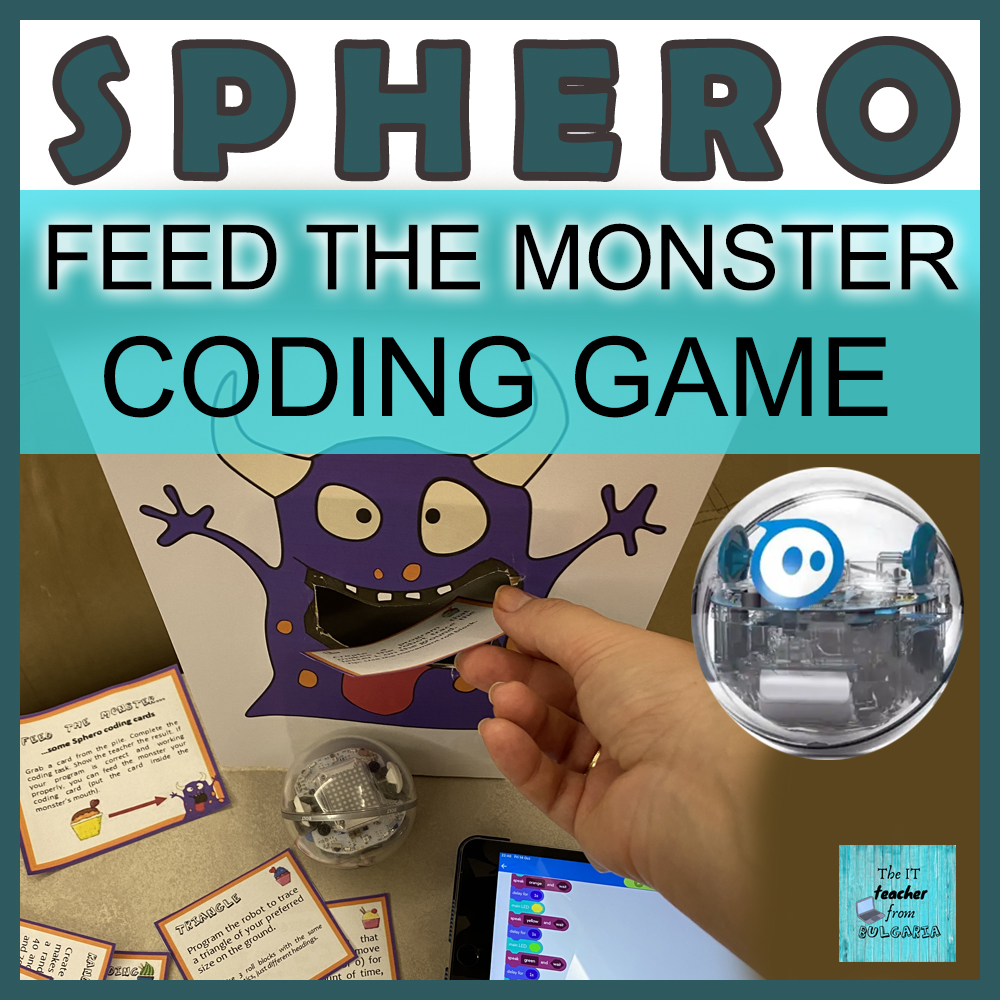
If you or your students are into the Sphero robots, or if you are teaching a Robotics club with them, then you might be interested in one of the versions of “Feed the monster” that I have created – the “Feed the monster Sphero® BEGINNER coding task cards game Robotics Programming“, as I have called it in TpT. The task cards contain easy (beginner-level) coding tasks. The students pick one card, start coding and then test with their Sphero robot. If the program is correct (according to the teacher), then the student may feed the monster with their card. If you don’t feel like creating all of this yourself, you can always download my version by clicking here.
Feed the monster for BBC micro:bit coding
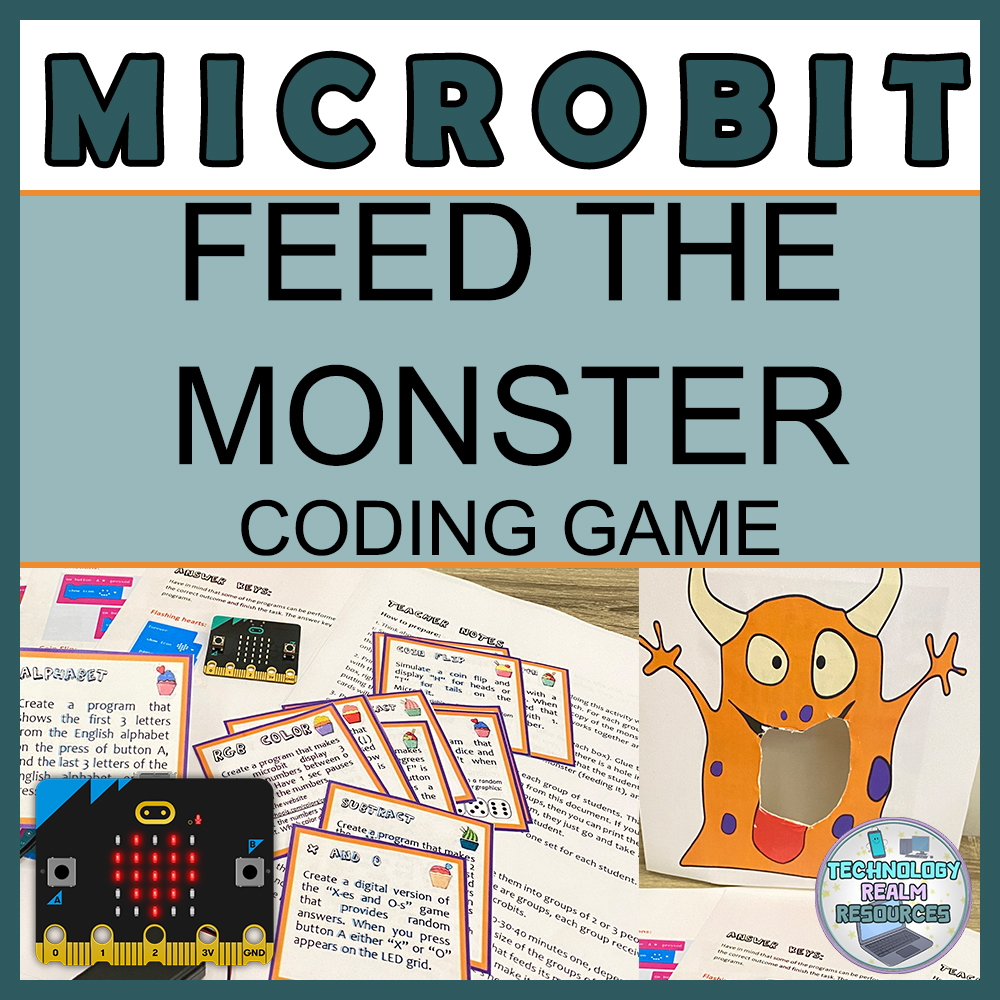
If you want your students to practice their microbit coding skills, then you may follow this link: “Feed the monster BBC microbit coding task cards game Programming revision” and download my version. It contains an orange monster and 20 coding cards for you to enjoy with your students in your Technology lessons 🙂 Of course, the resource also includes detailed teacher note and answer keys – the complete code to each coding task card.
 Technology Realm Resources