Everyone is talking about what they are going to do on the first day of school (back to school season is hard!) in Technology class… so I decided to show you what I am doing with the younger students from grades 2-5 🌈 Unplugged coding – Algorithm drawing! My students “program” a robot and then they bring it to life! ☀️
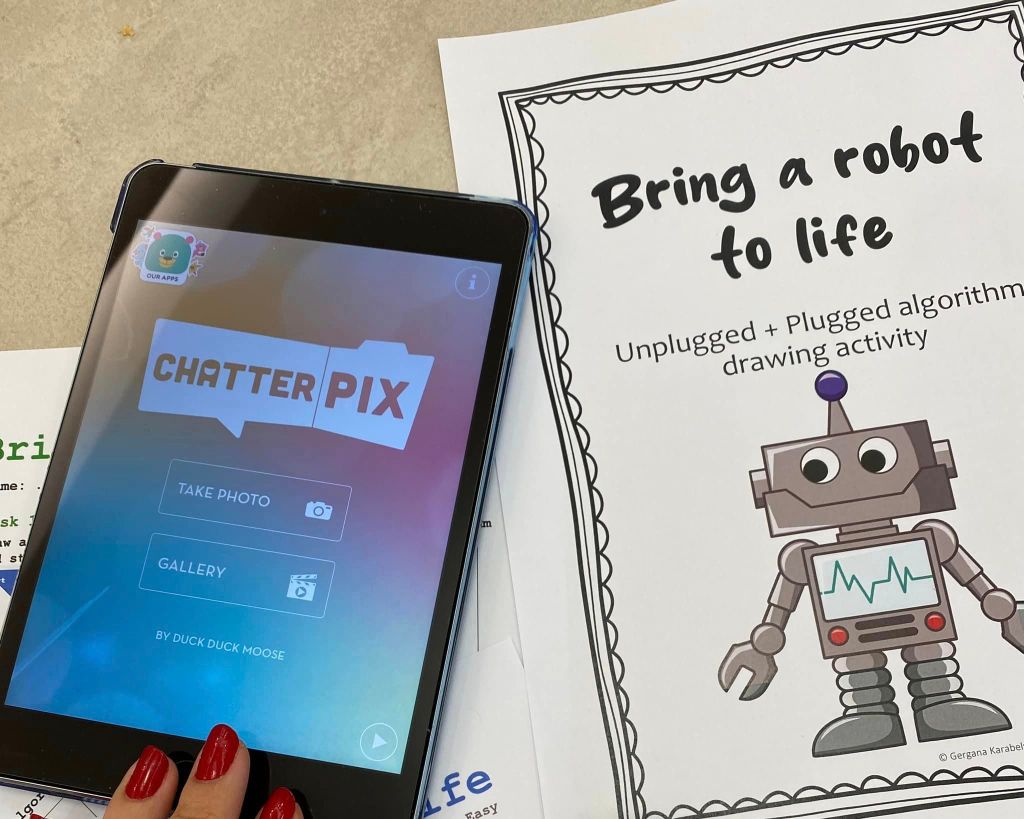
Also, this is something you can do any time, not just at the beginning of the school year. It’s fun, it’s easy and the students love it. It combines unplugged coding with a tiny bit of screen time (Chatterpix app).
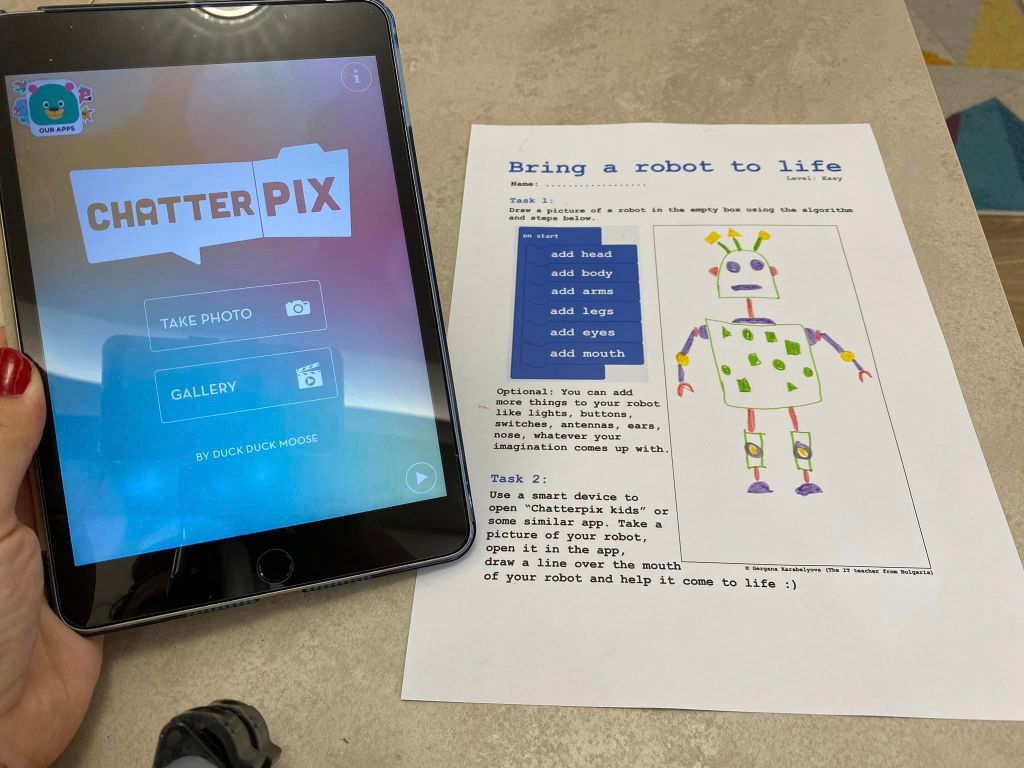
Here are the steps if you wanna do it yourself:
- First I created some code in the makecode coding environment (that is the place you go to program the microbit circuit board, something else I use a lot with elementary students), I made a screenshot of the code and then edited the picture to remove the existing text and on the coding blocks I inserted instructions that even the youngest students will understand. (like “add eyes”, “add nose” etc.).
- I formatted everything – placed the code in a Word document, added instructional text and an empty box on the right so the students have a place to draw while following the instructions.
- Then I did the same with 2 more programs (so there’s beginner, intermediate and hard levels) with if-else statements and loops – and I was done 🤩
- When the lesson starts, the students receive a copy of the easiest task and they start working. If anyone wants something harder – I give them the choice to pick the intermediate or the hard level. Also, if anyone finishes too fast with a task, I give them the next level or a random one, so they can continue working. After the drawing part the student take their devices (they have personal tablets), they open “Chatterpix kids” (the normal “Chatterpix” app also work fine), they take a picture of their drawing and they animate it – they draw a line across the mouth of the robot, then they record some voice message and then they make the robot say it with the app.
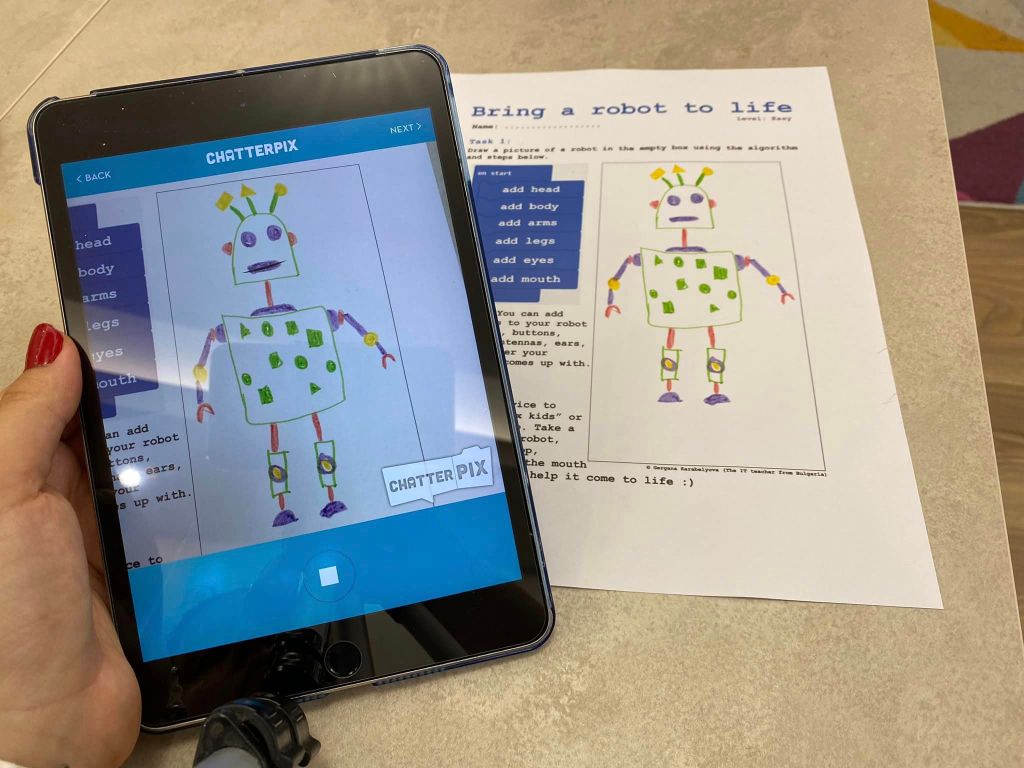
So. Much. Fun. Even I enjoy this activity, although I am just watching and helping ☀️ Student love it too. It’s a great combination of unplugged quiet time, and then a bit of device time.
If you want, you can check out my version of the activity, purchase it and save yourself the creation time (which for me was about 3 whole hours). This is a link to it (you can also click the picture on left): Unplugged Algorithm Coding and Drawing | Build a robot | Chatterpix® kids

My students loved this activity so much that I decided to create different versions of it. The main one, where it all started, is the one linked above – building a robot. The next one I created is this – building a laptop. You can also check this one out, it’s very similar to the previous one, here’s a link: Unplugged Algorithm Coding and Drawing | Build a laptop | Chatterpix® kids
Have a great first day of school 🥳
 Technology Realm Resources