A couple of days ago, we had a rainy afternoon at home. I was scrolling through Instagram when I saw a green screen video that instantly inspired me. A brilliant idea popped into my head—why not create a fish party using the Doink app, some drawings, and a smartphone? My kids immediately said, “Let’s do this!” and even my father, who was visiting at the time, asked, “Can I join?”
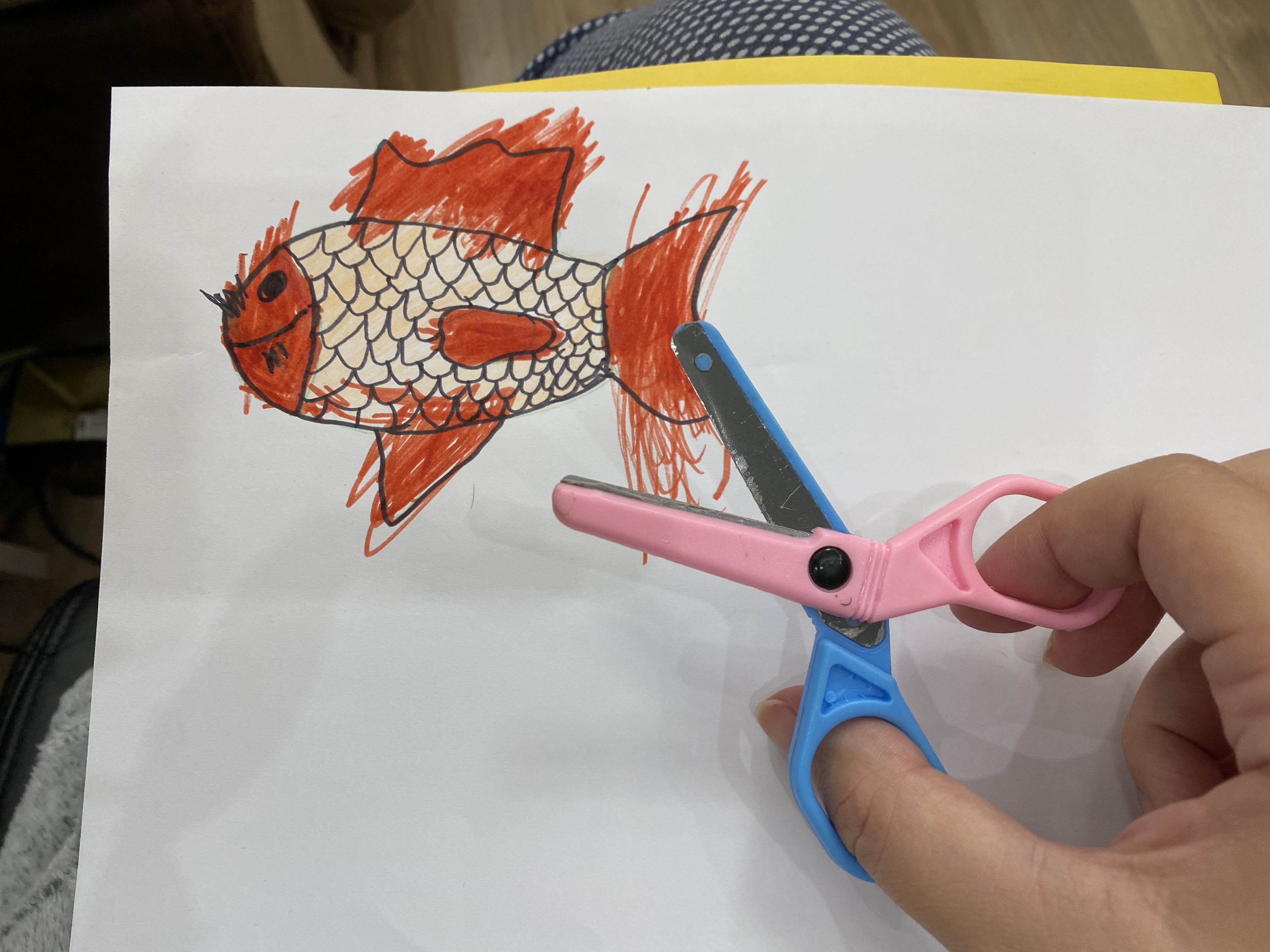
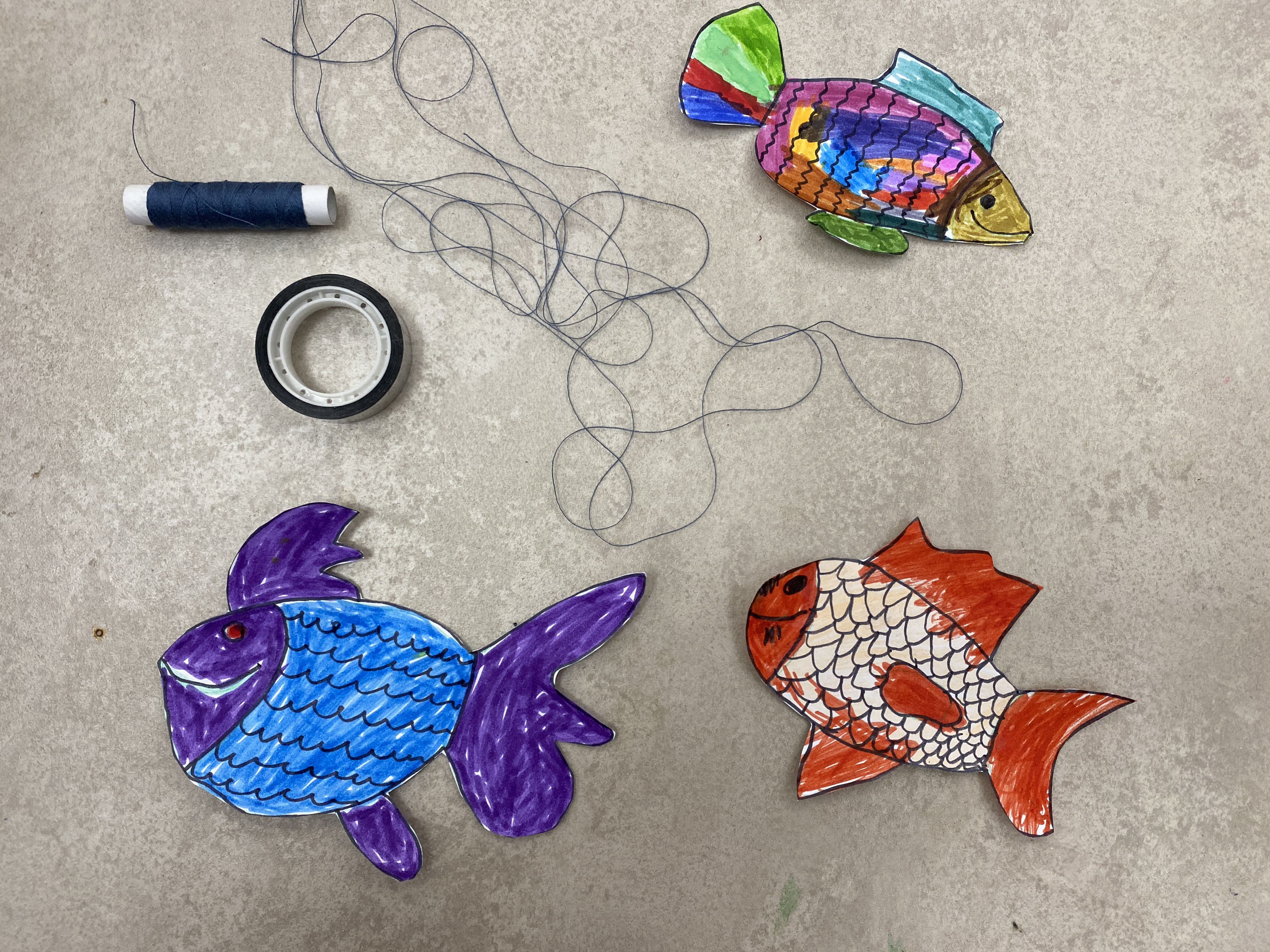
We grabbed some plain white A4 paper and drew three different fish. The kids started coloring them right away, making each one unique and vibrant.

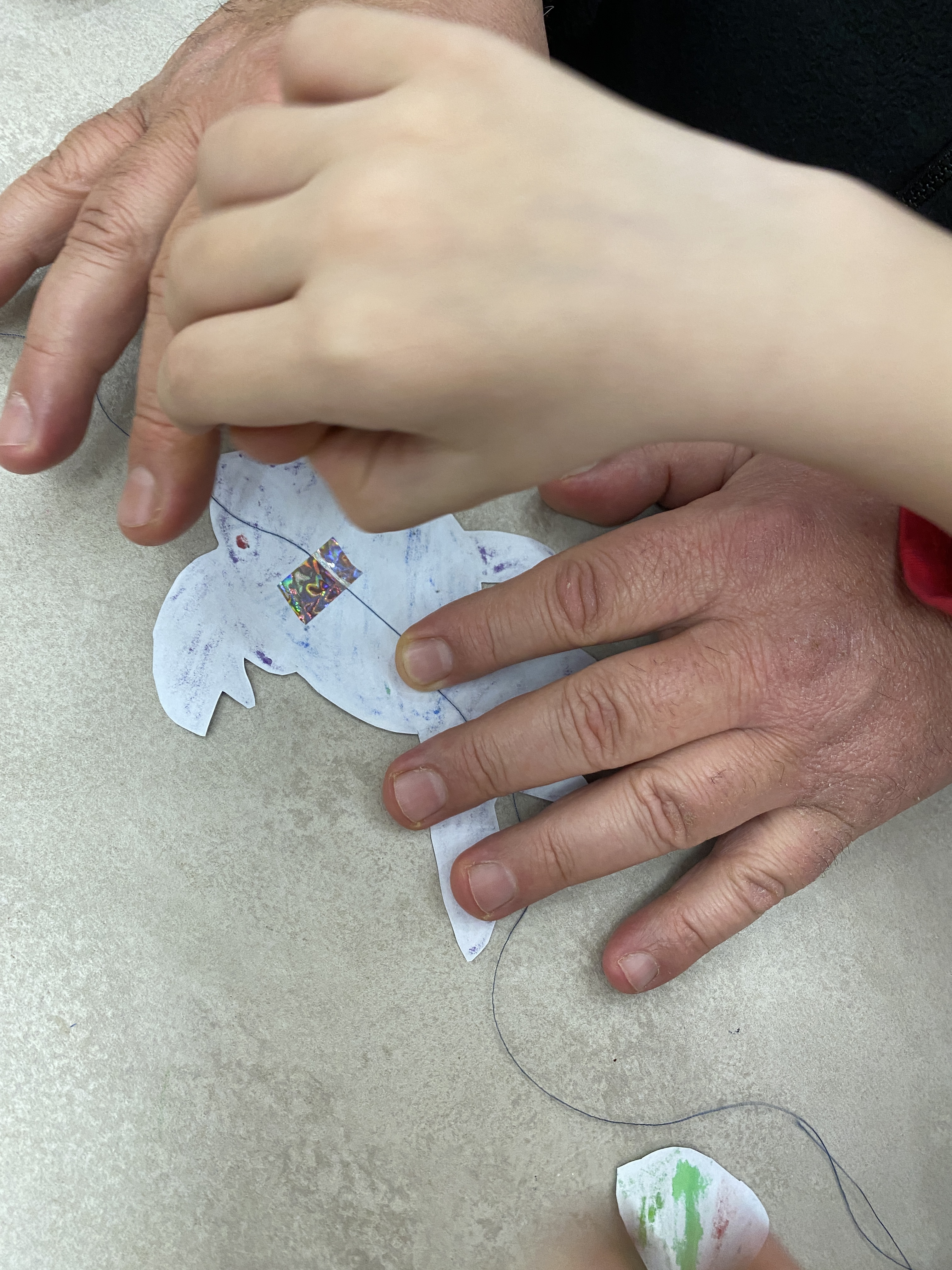
Once they were done, we cut them out and taped some simple thread to the back of each fish using colorful tape. The thread needed to be pretty long—about 60 to 70 cm—to allow for movement in the next step.


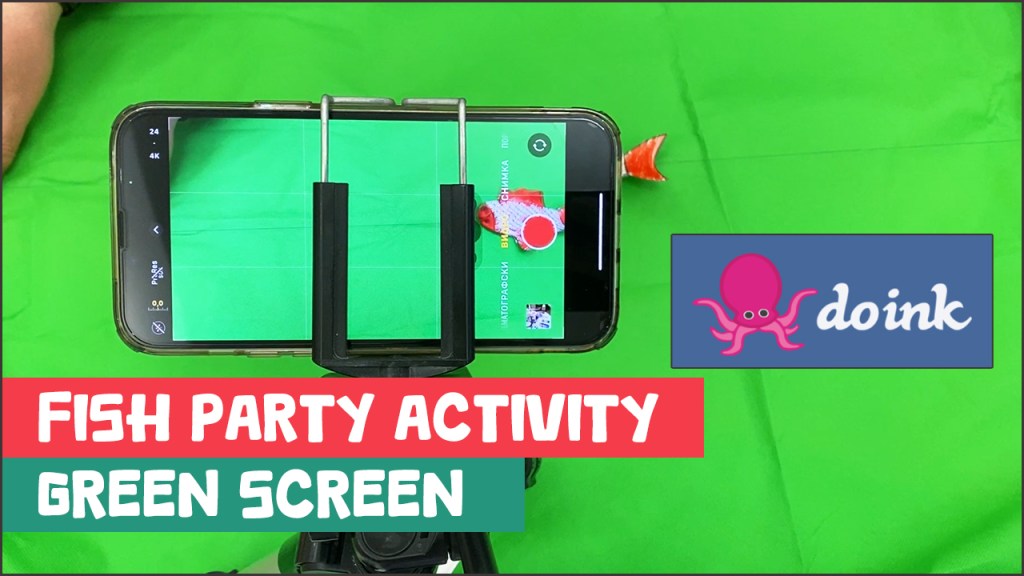
Next, we secured the smartphone to a tripod, though holding it by hand works too if you can keep steady. We placed a big green cloth on a flat surface to use as a background, but if you don’t have one, you can find special green screen fabric on sites like Aliexpress or Shein.
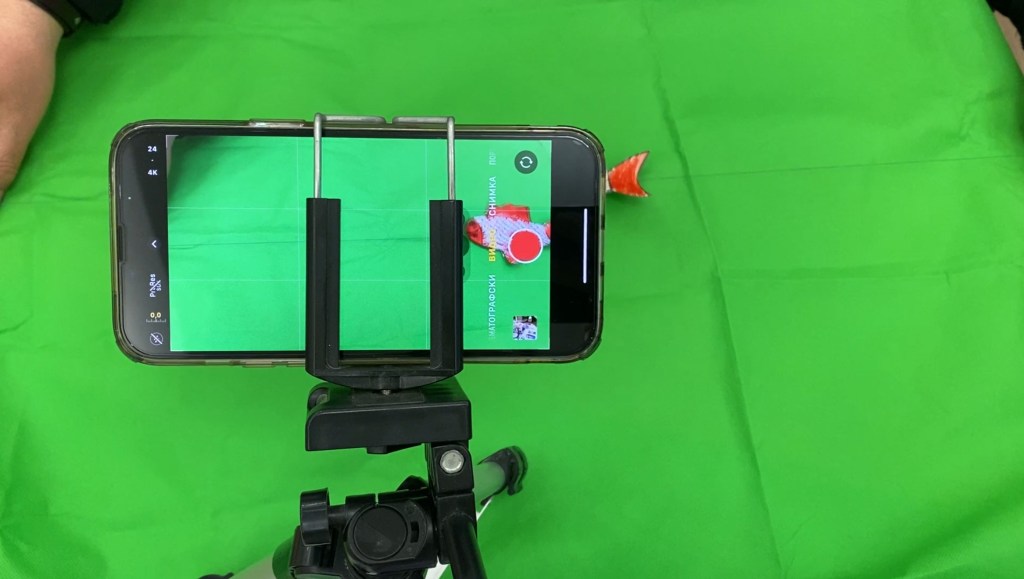
Holding the fish by the thread, we moved them across the screen while filming each one separately. The last video was the most fun—we had all three fish moving together to mimic a fish party.
With the videos ready, it was time for the final step. I opened the Doink app, which I had bought last year for a small one-time fee, and started a new project. I added the fish videos and, on a separate layer, placed a background image of the ocean, which I found online. Then, in the app’s settings, I removed the green background from each fish video, making it transparent so only the fish remained.
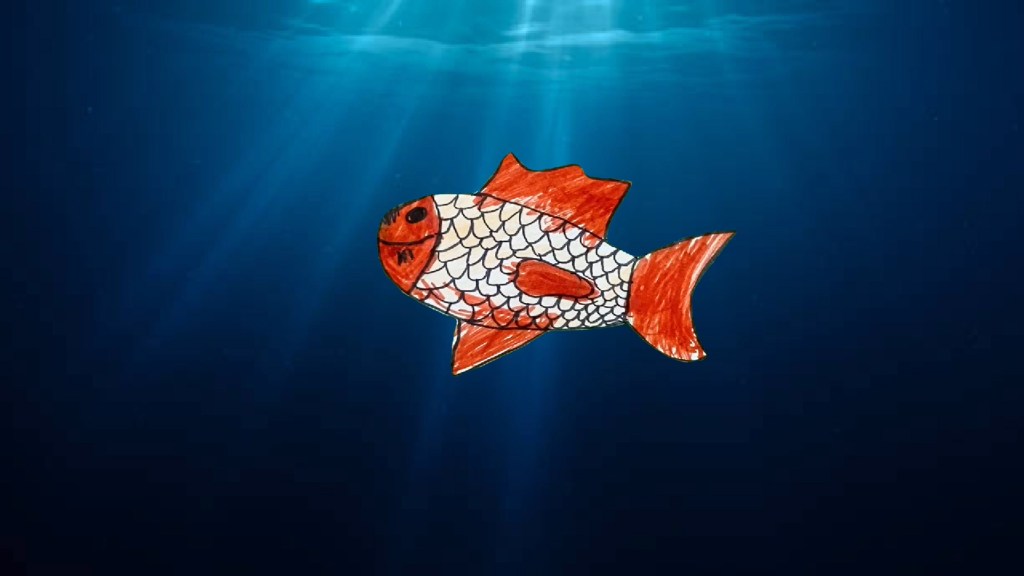
After a quick preview, there it was—our fish swimming in the ocean, moving just like real ones! The entire project was so simple and fun, perfect for beginners who have never tried a green screen effect before. I filmed a step-by-step video showing exactly how we did it, and if you want to watch, here’s the link : https://youtu.be/18q8w1siVhw
 Technology Realm Resources