October is such a fun month in the classroom for me, and I love finding ways to mix seasonal excitement with meaningful lessons. That’s exactly why I put together a Halloween Online Safety Technology Bulletin Board Poster Kit—a ready-made resource that combines festive decorations with important digital citizenship reminders for our students.
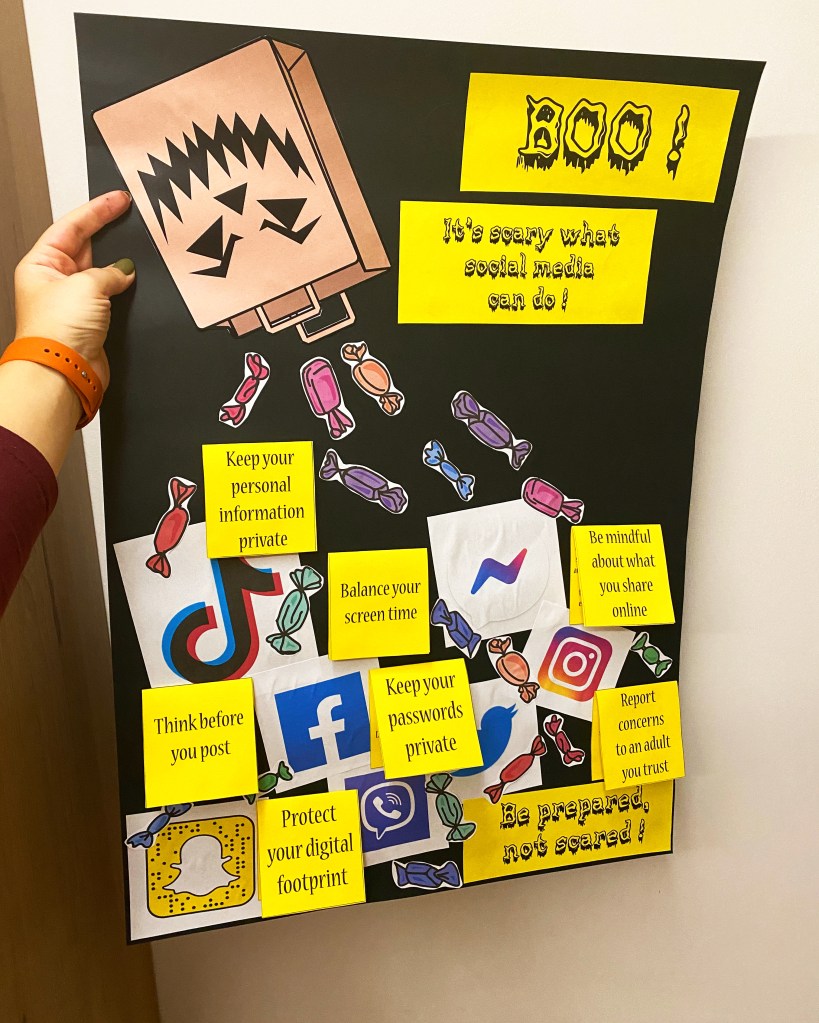
When students walk into the computer lab, they’re immediately greeted with a colorful, Halloween-themed poster that catches their eye. But this display isn’t just about spooky pumpkins and candy—it’s also packed with helpful tips for staying safe online, something I believe is extremely important! Messages like “Don’t share your real name online,” “Keep your personal info private,” “Protect your password,” and “Limit your screen time” encourage kids to think about the choices they make on their devices every single day. (a topic that’s been haunting me ever since I became a mother a couple of years ago)
One of the biggest challenges of teaching technology, in my opinion, is making safety lessons stick. Students might hear us talk about online safety in class, but those reminders can fade quickly, or sound boring (especially for those 12-13 year olds that think they know it all). A bulletin board like this keeps the rules visible all month long, reinforcing them in a fun and non-intimidating way. And since the posters are Halloween-themed, students are more likely to notice, read, and remember them.
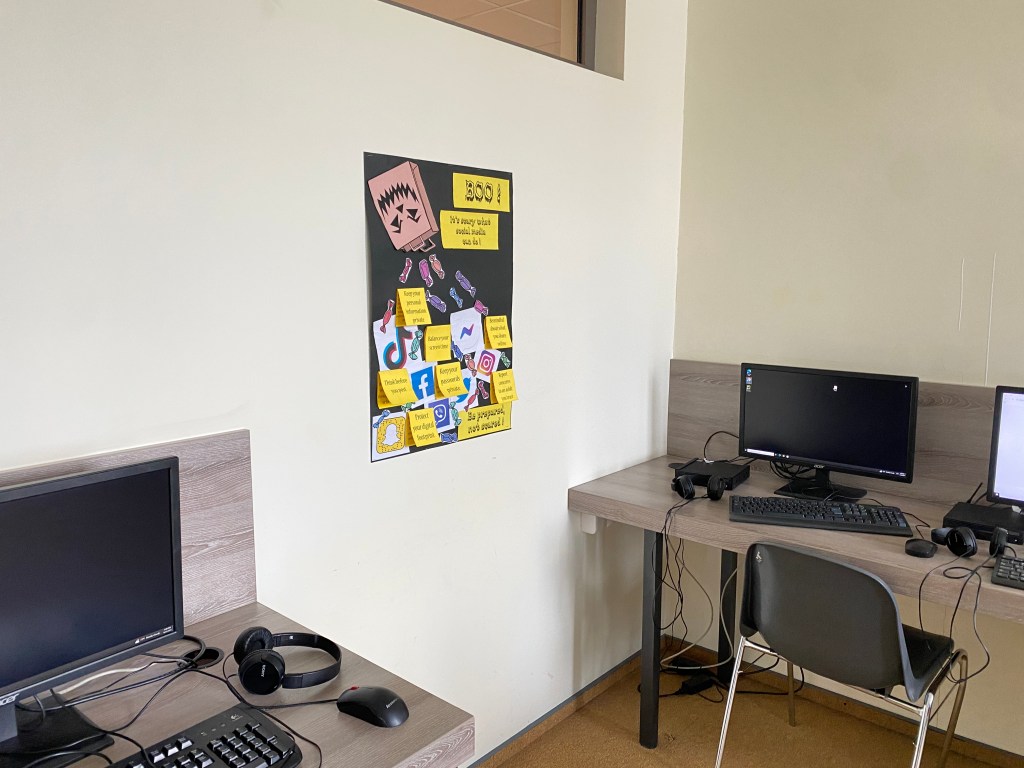
The best part? This kit is completely ready to use. All you need to do is print, cut, glue and display! Whether you set it up as a full bulletin board or sprinkle the advice cards around your computer lab, you’ll instantly have a festive space that doubles as a teaching tool.

If you’re looking for a simple, engaging way to celebrate the season and highlight digital citizenship, this Halloween bulletin board is the perfect fit. It makes your classroom feel festive while reminding students that safe and responsible tech use matters—no tricks, just treats!
👉 You can grab the Halloween Online Safety Technology Bulletin Board Poster Kit here and get your computer lab ready for a spooky, safe, and fun October!
You can also create a similar poster yourself! Here’s how I made mine:
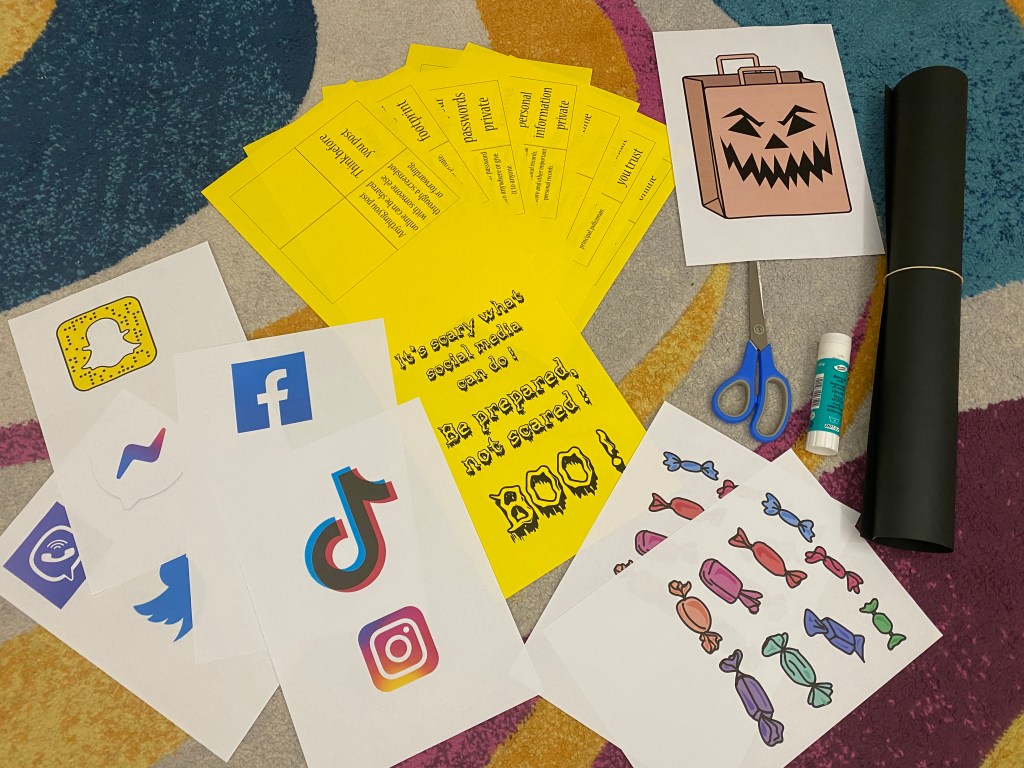
- Choose your safety tips. Think of the advice you want your students to remember—around 8–10 rules is the perfect amount. More than that can be overwhelming.
- Write and print the rules. Type them up in a document and print them out. Using brightly colored paper will help the tips stand out.
- Add familiar icons. Print out popular social media icons (Instagram, TikTok, Facebook, etc.) to make the display relatable for students.
- Bring in Halloween flair. Download and print images of candy and a spooky pumpkin (or recreate the “spooky bag” with an evil face, like in my version of the resource).
- Assemble your board. Use a large sheet of black paper or your bulletin board background. Place the pumpkin or spooky bag at the top, then arrange the candy, advice cards, and social media icons so it looks like they’re “falling” down from it.
I hope my idea was helpful and I wish you a safe, spooky and fun October and Halloween!
 Technology Realm Resources
[…] I became a mother a couple of years ago) I wrote a whole blog post about this bulletin board idea, just click here to go there and read the whole article (and maybe purchase the resource, if you don’t have time to create it […]
LikeLike
[…] I became a mother a couple of years ago) I wrote a whole blog post about this bulletin board idea, just click here to go there and read the whole article (and maybe purchase the resource, if you don’t have time to create it […]
LikeLike