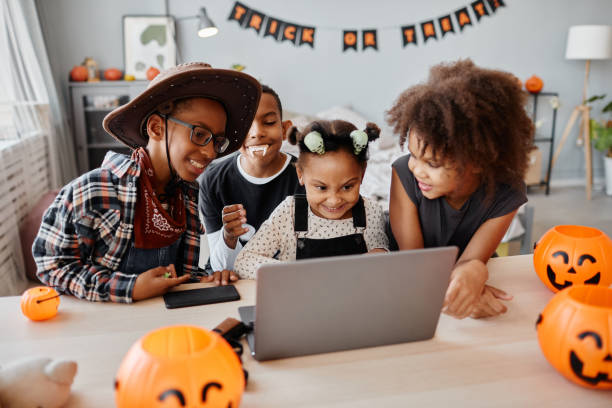
Halloween is one of my favorite times of the year to bring a little extra fun and creativity into the classroom. In the computer lab, I try to strike a balance between spooky and techy—decorations that feel festive but not too scary for younger students, and activities that tie into both the holiday and technology. Here’s a peek into how Halloween looks in my classroom!
Educational Online Games
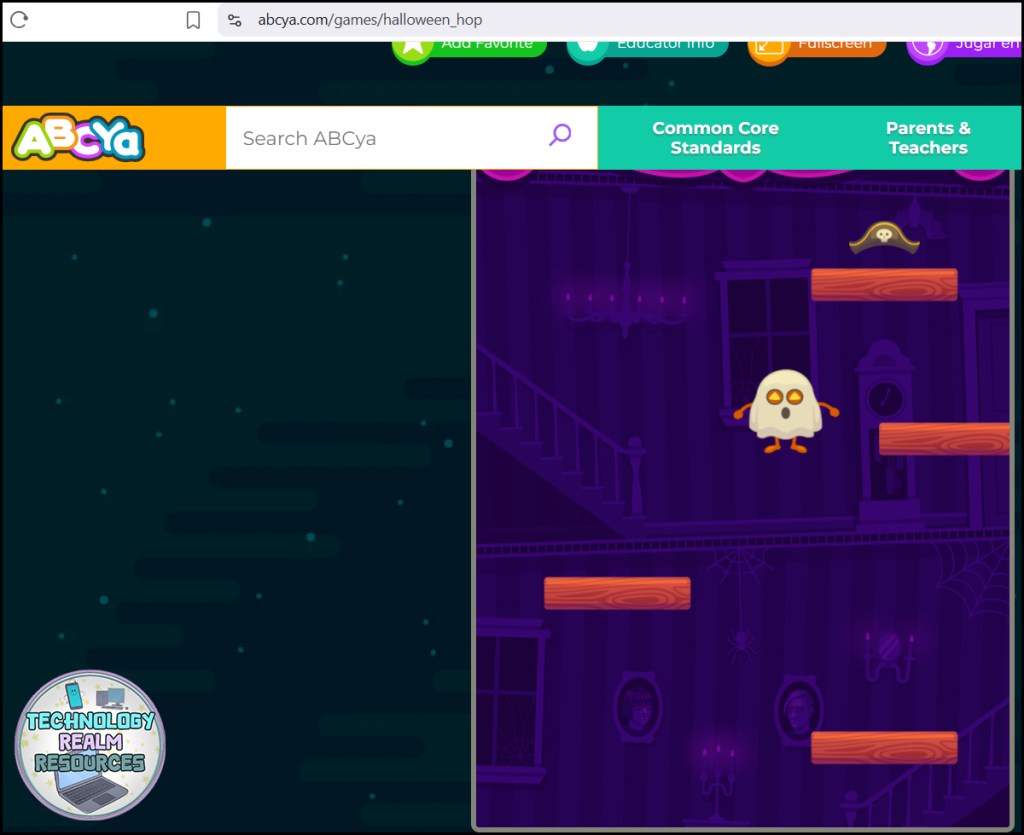
For starters, I like using simple online games because students think I am rewarding them with them (when I’m actually still teaching them something). For example, let me tell you about a spooky online game called Halloween Hop (available at ABCya), perfect for elementary learners and their reflex building! The main character jumps nonstop, and players must use only the left and right arrow keys to go up and up, to dodge obstacles and collect costume pieces. Each costume transforms the character into a different Halloween favorite — like Frankenstein, a ghost, or a jack-o’-lantern! Games like this are great for building hand-eye coordination, focus, and quick thinking — all while keeping kids engaged in a festive, low-stress challenge. 🎃 Great for a 5-10 minute break also. Click here to go to ABCya and see the game for yourself.

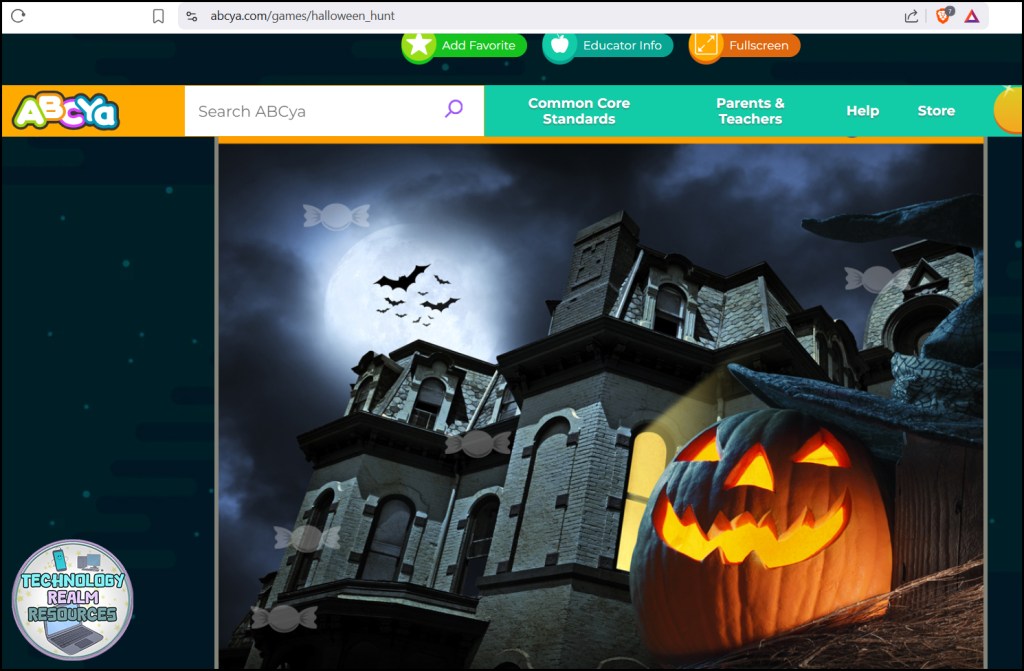
Another game that I like for a 5-10 minute break is the Halloween hunt by ABCya again, where the students see different spooky pictures with “hidden” faded little candy that they have to find and click. Here’s a link to the game. This game trains the mouse skills and keeps the students quiet and focused.
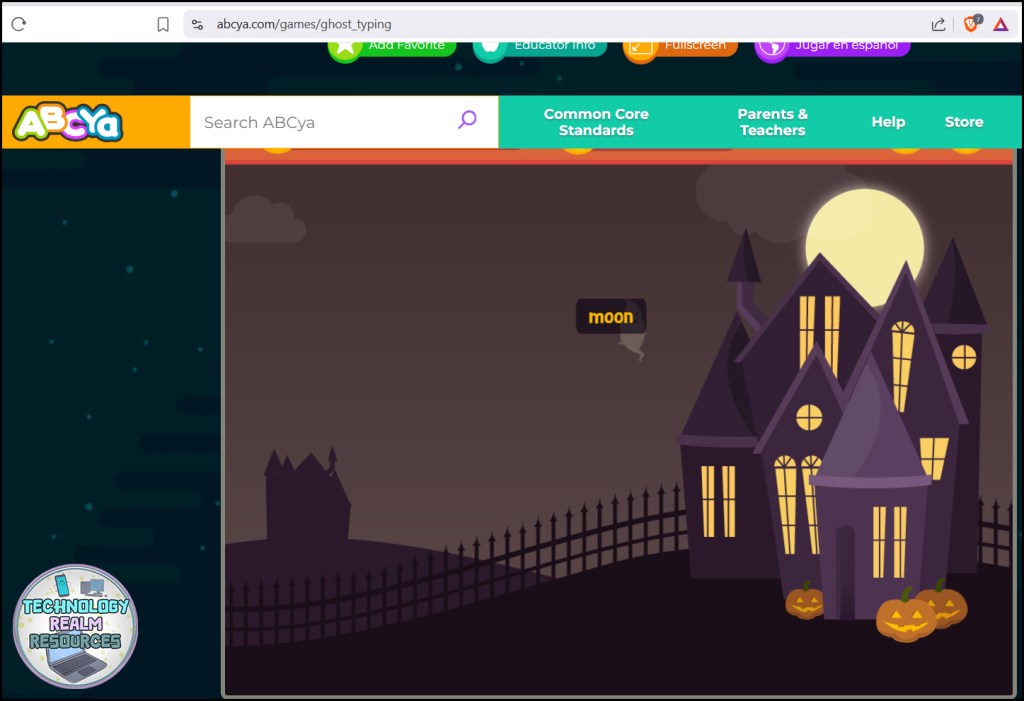
And I’ve saved the most meaningful game for last 🙂 Help your students build typing skills with a spooky twist! 👻 Ghost Typing is a fun, fast-paced way for children to practice keyboarding as they race to type the words before the ghosts get too close.
For younger learners, try Ghost Typing Junior, where students develop familiarity with the keyboard by finding each letter before the ghost reaches them. It’s a playful, Halloween-themed way to build confidence and accuracy while keeping students engaged! 🎃
Spooky but Tech-themed Decor, like posters and bulletin boards
Instead of going all-in on pumpkins and ghosts, I like to mix in technology-inspired decorations that make the lab feel unique. One of my favorite projects is creating a “Technology Graveyard” bulletin board. Old or outdated technology—like floppy disks, VHS tapes, or even cartoon drawings of devices we no longer use—gets transformed into gravestones on a big poster. It’s a great conversation starter about how quickly technology changes, and it adds just the right amount of spookiness to the room. This year, I finally decided to stop making the Halloween poster from scratch (like I’ve done every other year) and instead created a ready-to-use template. It turned out so cool! I absolutely love how it looks, and the best part is that next year I’ll be able to put it together in half the time. Since Halloween is one of my favorite holidays, I’m excited to freely share this resource/kit with you—so you can join in the fun and celebrate too! Click here to get the FREEBIE.

The students love pointing out “ancient tech” they’ve never seen before, and it often sparks fun discussions about what devices they think will disappear in the future. (Will USB sticks and DVDs end up in the graveyard next? Well, DVDs are kinda almost there, ha-ha)
Another great poster/bulletin board I do every year around Halloween is the “Halloween Online Safety Technology Bulletin Board and Poster“. Maybe you’ve already seen it in my previous blog post (or on my Instagram), but if you haven’t, here it is:

This display isn’t just about spooky pumpkins and candy—it’s also packed with helpful tips for staying safe online, something I believe is extremely important! Messages like “Don’t share your real name online,” “Keep your personal info private,” “Protect your password,” and “Limit your screen time” encourage kids to think about the choices they make on their devices every single day. (a topic that’s been haunting me ever since I became a mother a couple of years ago) I wrote a whole blog post about this bulletin board idea, just click here to go there and read the whole article (and maybe purchase the resource, if you don’t have time to create it yourself).
Halloween-Themed Tech Activities
Along with decorations, I bring in activities that keep the Halloween spirit alive. Here’s some very simple examples that you can always do with NO PREP:
- 👻 Spooky Binary Messages: Kids write secret Halloween words or phrases in binary code, then swap with a partner to decode.
- 🕸️ Digital Storytelling: Students create a short, spooky story using Google Slides, adding animations and sound effects for extra drama.
- 💀 “Zombie Device Use” Discussion: A fun tie-in to digital citizenship, where we talk about “zombie behavior”—when people have too much screen time and use their devices for too long too often.
Other activities I love and so – made resources for (click on them to go and check them out):
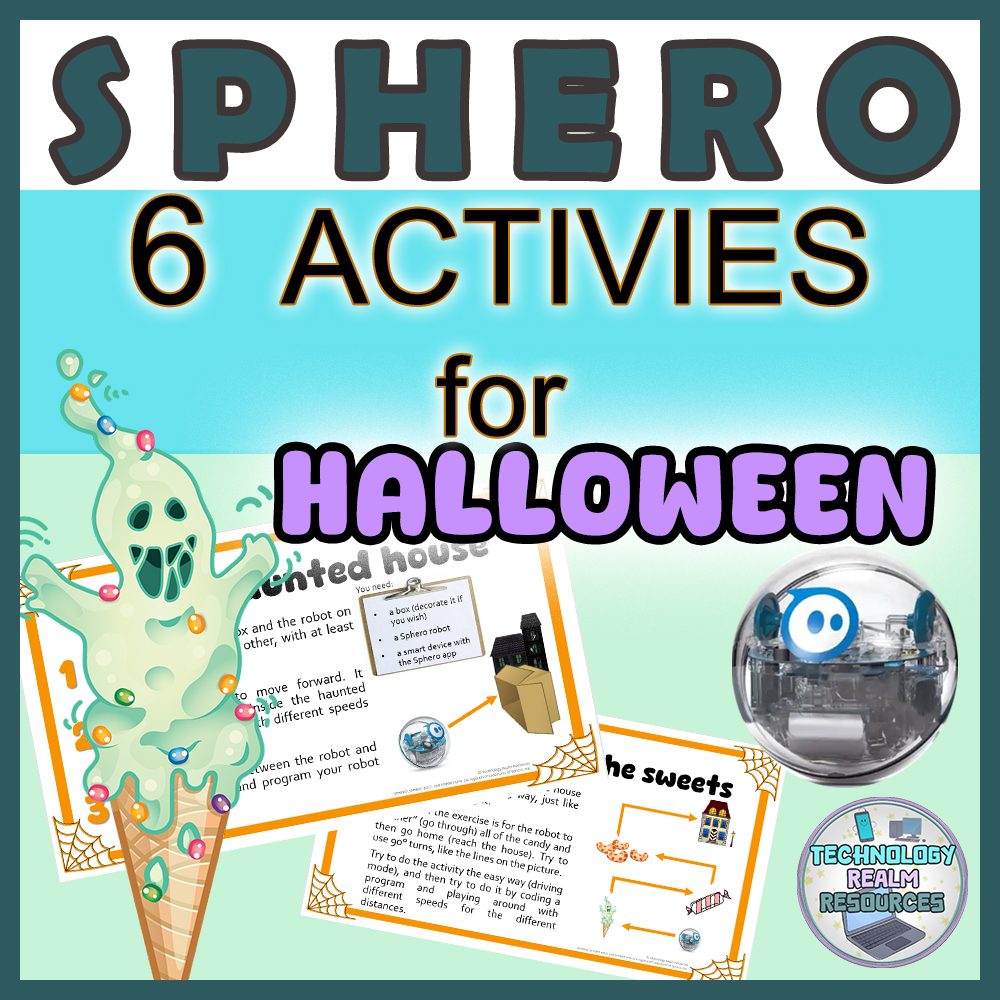
Sphero robot 6 Halloween coding and driving activities Beginner Centers
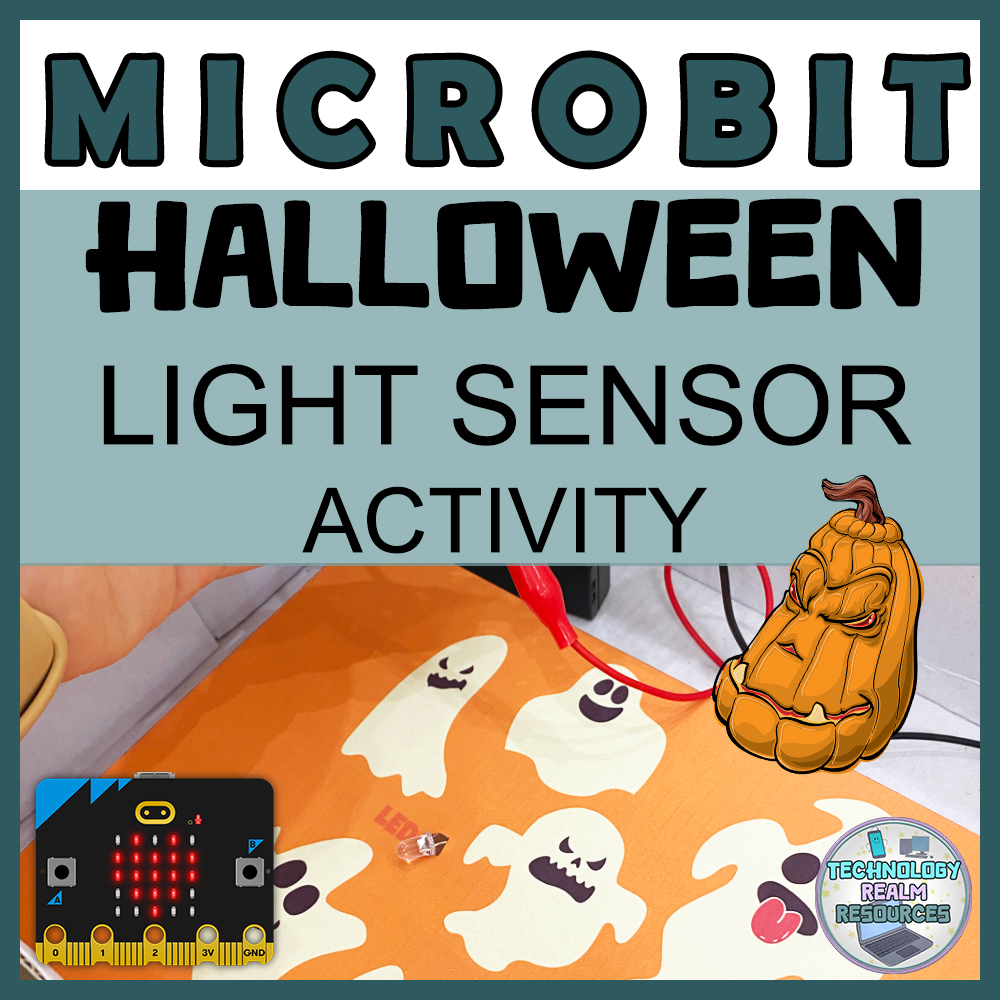
Microbit Halloween Party in a box Coding activity beginner DIY project 3 tasks

Sphero® robot BEGINNER Autumn and Fall themed coding activity and game
Little Extras to Set the Mood
To complete the atmosphere, I add a few finishing touches:
- Soft orange and purple string lights around the lab. I’ve tried with simple white ones, but it looks a bit christmassy and I didn’t like it. You can also buy tiny ghost string lights, or bats, spiders, pumpkins etc. Here’s how my favorite ones look like (tiny smiling ghosts):

- A looping “spooky but not too scary” music in the background. I love the live (never ending YouTube video!) lofi radio and their themed “Halloween lofi radio – spooky beats to get chills to”. It’s nothing scary or horror-like, it’s actually very relaxing and kinda whimsical, almost like the music from a Halloween-themed kids movie.
- Optional decor like pumpkins on the windows, spooky stickers on each monitor/laptop, fake spider web, etc. Anything I can find in the dollar store.
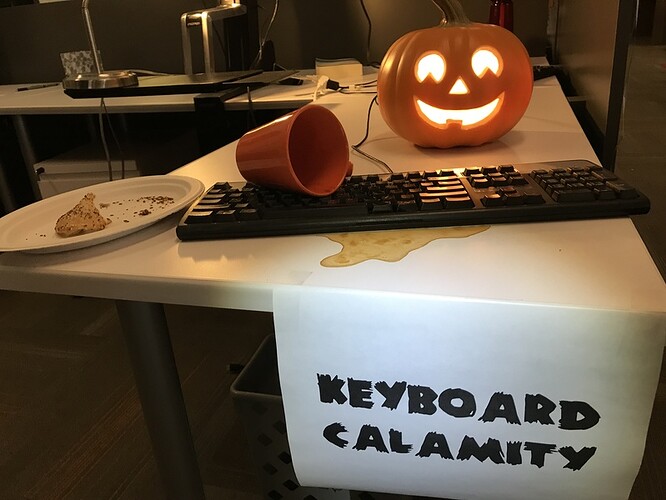
- Joke-like spooky decor, example:
Why It Works
Blending Halloween with technology makes the season memorable without taking away from learning. The decorations set the stage, but the activities keep students engaged and thinking critically—whether it’s coding, problem-solving, or discussing tech history.
Halloween in the computer lab is always a highlight of the year, and the best part is seeing students get excited about both the holiday and technology. Nothing makes me smile more widely!
I hope the post was interesting, helpful and inspiring for you. Have a great, safe, spooky and fun October and a lovely Halloween!
 Technology Realm Resources