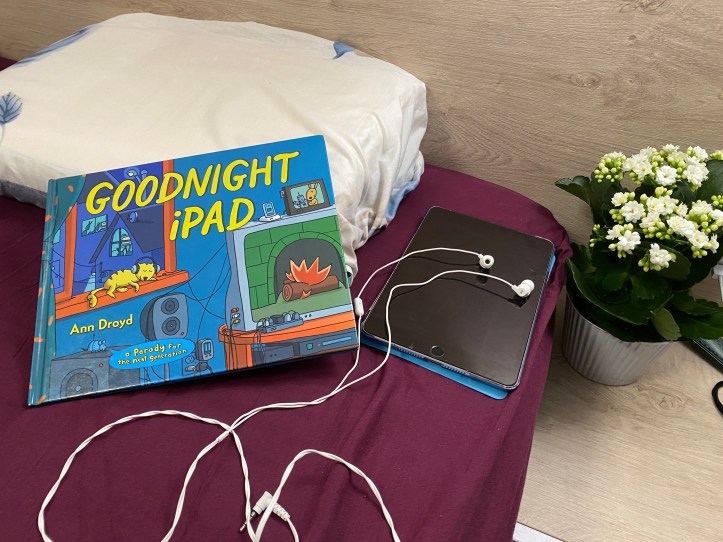
As technology teachers, we often focus on teaching students how to use devices—but it’s just as important to help them learn when to put them down. Goodnight iPad by Ann Droyd, originally published on October 27, 2011, a clever parody of Goodnight Moon, does exactly that. Through humor and exaggerated visuals, the book highlights how constant screens, sounds, and notifications can make it difficult to slow down, focus, and rest. My students instantly recognize the chaos, and that relatability makes it a perfect conversation starter.
I’ve found this book especially effective for discussing screen time, digital balance, and bedtime routines in a way that feels fun rather than preachy. Younger students enjoy spotting the gadgets, while older ones can analyze the message behind the parody. It also opens the door to talking about how technology affects our brains, sleep, and attention—topics that are more relevant than ever.
Beyond the story itself, Goodnight iPad works beautifully as a cross-curricular tool. I’ve used it for discussions, vocabulary activities, coloring pages, and even design challenges where students create their own parody pages or app icons. It’s a great reminder that technology education isn’t just about coding and hardware—it’s about helping students build healthy habits, too.
Below is a link to my favorite read aloud on YouTube by Mrs. Morris Reads, if you don’t have a copy of the book but still want to show it to your students.
And this is a link to the physical book in the:
Activity ideas on the book that I often do
Word cloud
A word cloud, as you know, is a visual representation of data. You read the story twice, and then come up with words that are either relevant to the book or directly in the text or pictures. All of these words that come up to mind are written in a list and then entered in some free online word cloud generator that produces a word cloud. I often advance this task with my older students by telling them to download pictures from the Internet of the words in their word cloud, then they use the pictures to make a collage (poster) in a presentation editing software (like PowerPoint or Google Slides).
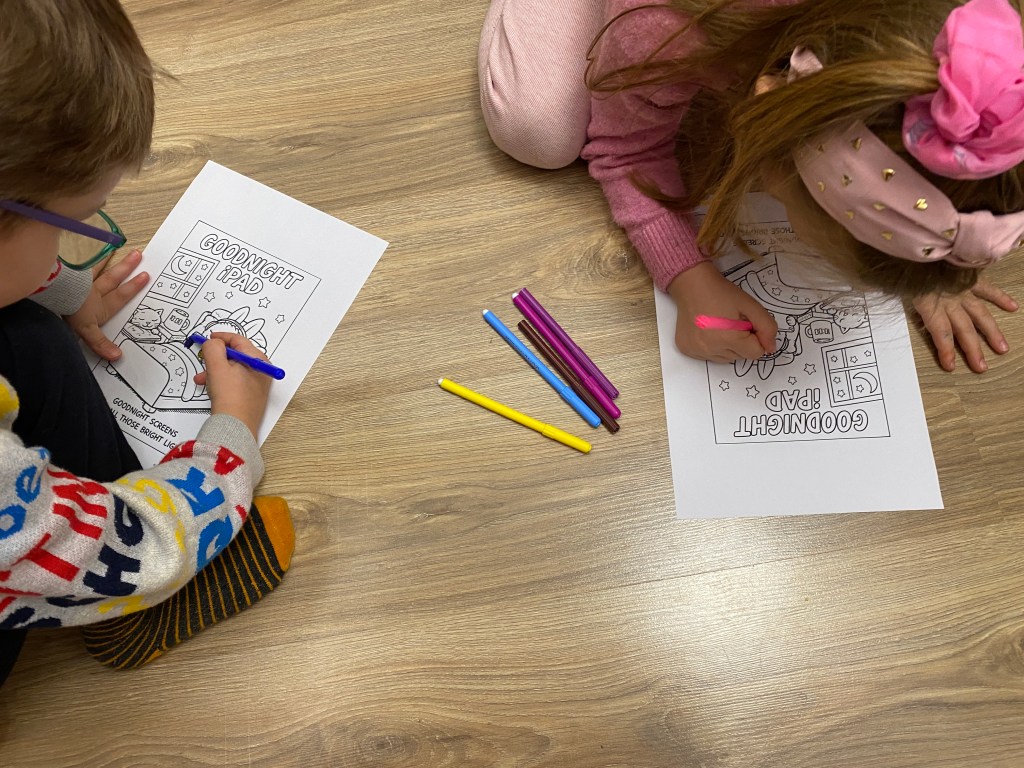
Coloring pages
I love creating coloring pages for the Tech children’s books I use in my computer lab, and Goodnight iPad is no exception.
Takeaways discussion
After reading the book and going through the exercises, I like finishing up the lesson with a takeaways discussion. You can always find the moral of the story by asking the students to think and reflect. And these are the takeaways that I came up with for Goodnight iPad and the ones that I use for my discussions:
1. Technology Can Be Distracting
The book shows how screens, games, and devices can make it hard to slow down, focus, and fall asleep.
2. Too Much Screen Time Can Affect Our Bodies
Bright screens and constant noise can make it harder for our brains to rest, especially at bedtime.
3. Quiet Time Is Important
The story reminds us that calm, quiet moments help our minds and bodies relax.
4. Balance Is Key
Technology can be fun and helpful, but it’s important to know when to turn it off.
5. Routines Help Us Rest
Having a bedtime routine without screens can help us sleep better.
6. Parody Can Teach a Lesson
Because this book is a parody, it uses humor to help us think about real-life habits in a fun way.
7. We Don’t Always Notice How Distracted We Are
The characters are so busy with their devices that they don’t realize how loud and chaotic things have become.
These activities and a lot of others on the book you can find in my book companion resource (click to view) that I use with my students every year. The resource contains a total of 7 exercises/activities/tasks, some of which are coloring pages, discussion questions, a digital word cloud activity, etc. Five of the exercises are unplugged (some of them don’t even require you to print), and three of them requires a smart device / computer / laptop and it’s done online (with free resources that don’t even require a registration). Some tasks are differentiated to suit different grade levels, with simpler versions for younger students and more challenging versions for older students. This resource is super low prep!
Other ideas
You can always create a Kahoot quiz on the book, although I think that it has so little text that it is not as suitable. Another ideas is an anchor chart for example, or drawing your favorite scene from the book.
Unplugged themed coding
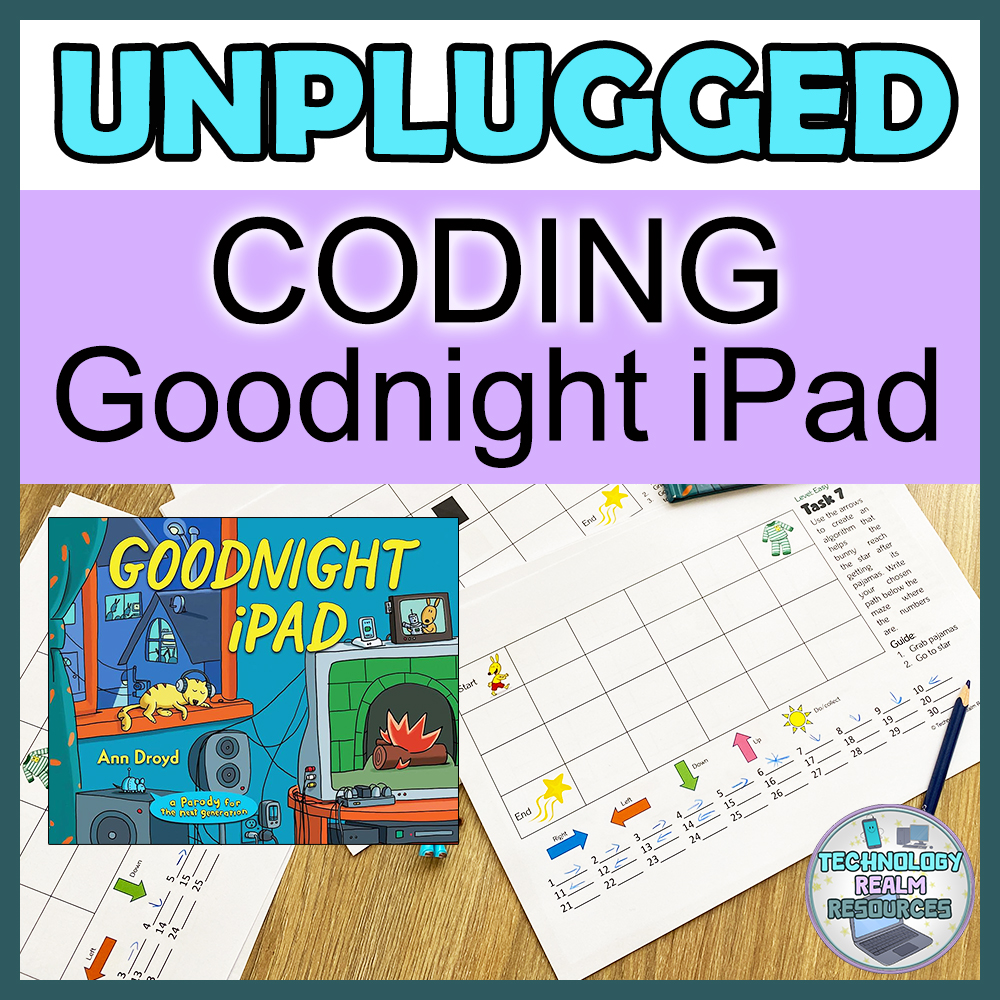
https://www.teacherspayteachers.com/Product/Goodnight-iPad-book-themed-Unplugged-Coding-Activity-Algorithm-15470061Here’s another idea (click here to view) if you are teaching coding as well. This unplugged coding resource is perfect for teaching technology basics, beginner block coding, or introducing core coding concepts in an engaging, screen-free way. It also works beautifully for those last few minutes of a lesson or as an easy, ready-to-go sub plan. Inspired by the book Goodnight iPad, this resource includes 32 unplugged coding mazes differentiated across three difficulty levels: Easy, Medium, and Hard. Each maze has instructions which the students will be using. Following these instructions, the students will use directional arrows to navigate the maze and create an algorithm for the correct path.
These activities not only reinforce the concepts from the book but also let students explore creativity while reflecting on their own technology habits. Goodnight iPad isn’t just a fun read. I think it’s a springboard for meaningful conversations and interactive learning in your classroom. I hope this post was helpful and have a lovely day!
 Technology Realm Resources