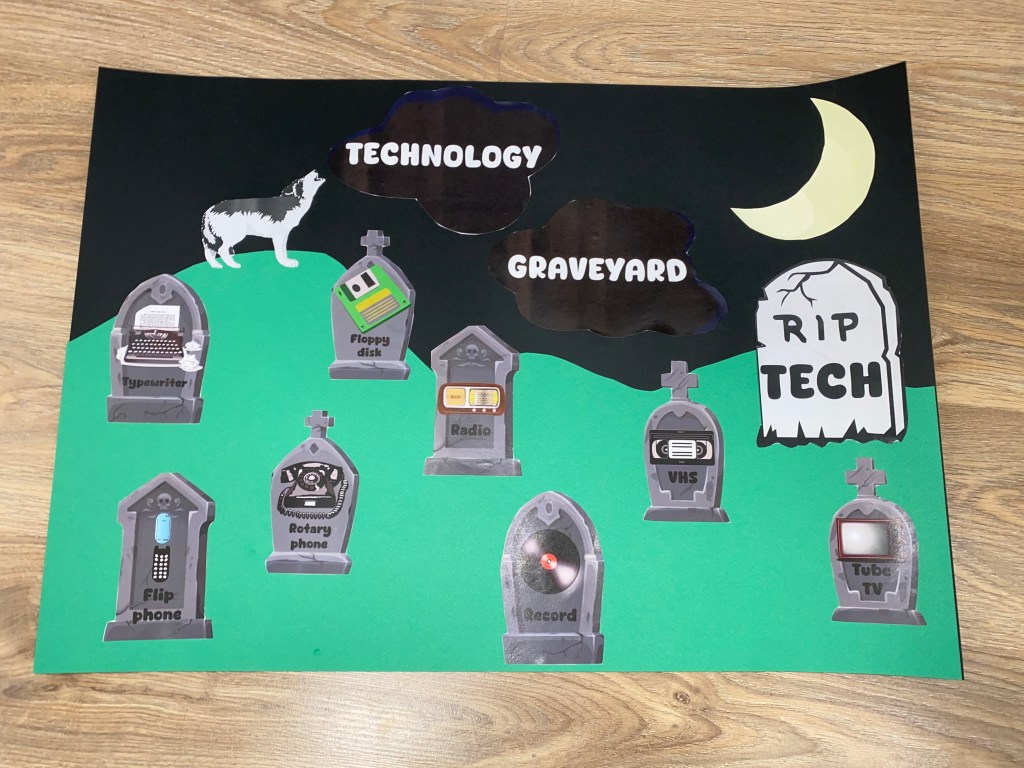
Looking for a fun and festive way to decorate your computer lab or classroom this Halloween (but also stay on the topic of technology)? I’ve created a “RIP TECH” spooky bulletin board/poster that turns old, outdated technology into a tech graveyard!
This poster features tombstones of technology that’s long gone, like:
- VHS tapes
- Floppy disks
- Tube TVs
- Typewriters
- Rotary phones
- Flip phones
- Records
- Radios
Each one is “laid to rest” with a cute (and slightly spooky) design, perfect for your Halloween décor. And just for fun I’ve added a moon and a hauling wolf, for the poster to be even prettier and in the mood of spooky season.
Why Use This in Your Classroom?
- Digital Citizenship Connection: It sparks conversations about how quickly technology changes and why some devices become obsolete. Students can reflect on how today’s “must-have tech” might be tomorrow’s relic.
- History of Technology: Younger students may not even recognize these devices! I’ve heard this line more than once: “Miss, this is not a floppy-something, it’s the save icon!”. This makes the board a fun way to introduce them to the history of technology in a lighthearted, seasonal way.
- Engagement Boost: The Halloween theme adds excitement, making the computer lab or classroom feel festive and welcoming.
DIY – How to Use the Poster
I’ve made it simple for you! Just download the free PDF I created (link below) and you’re ready to go.
Materials:
- Scissors
- Glue
- 2 thick 50×70 cm thick cardboard pieces – one in black and one in deep green
- The printed materials from the PDF

Here’s how:
1.Print the pages in color.
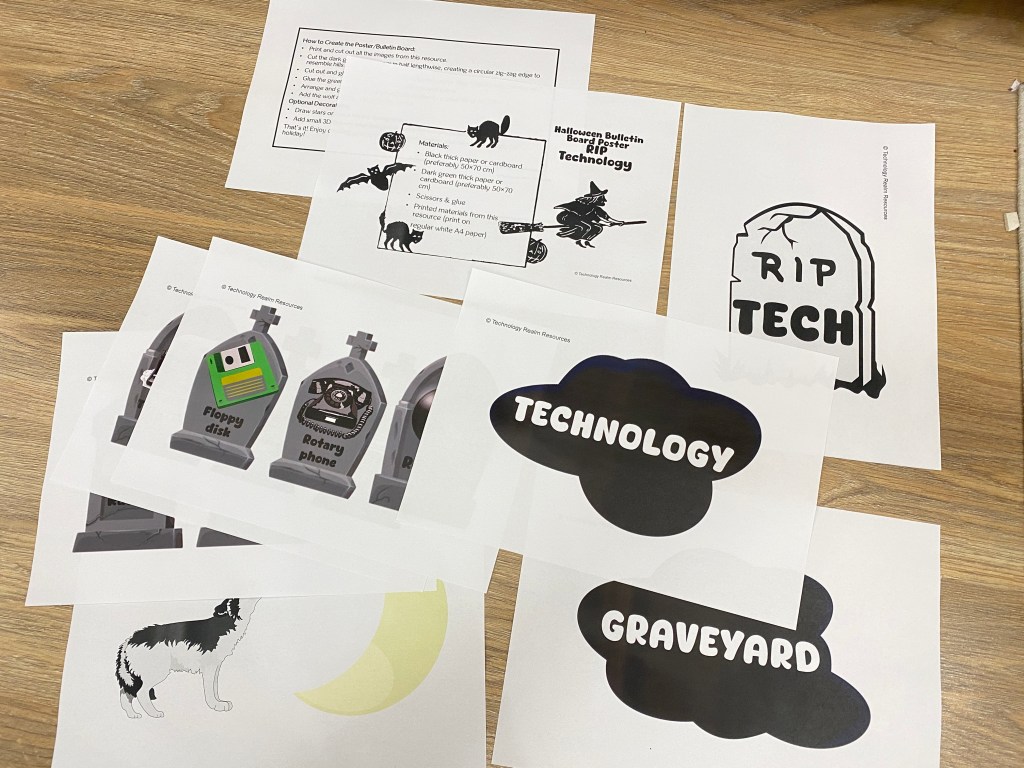
2. Cut out the tombstones, wolf and moon.
3. Take the green cardboard, slice it in half, and cut along the top so it forms a jagged, hill-like outline. You can have one hill higher so you can put the wolf on it.
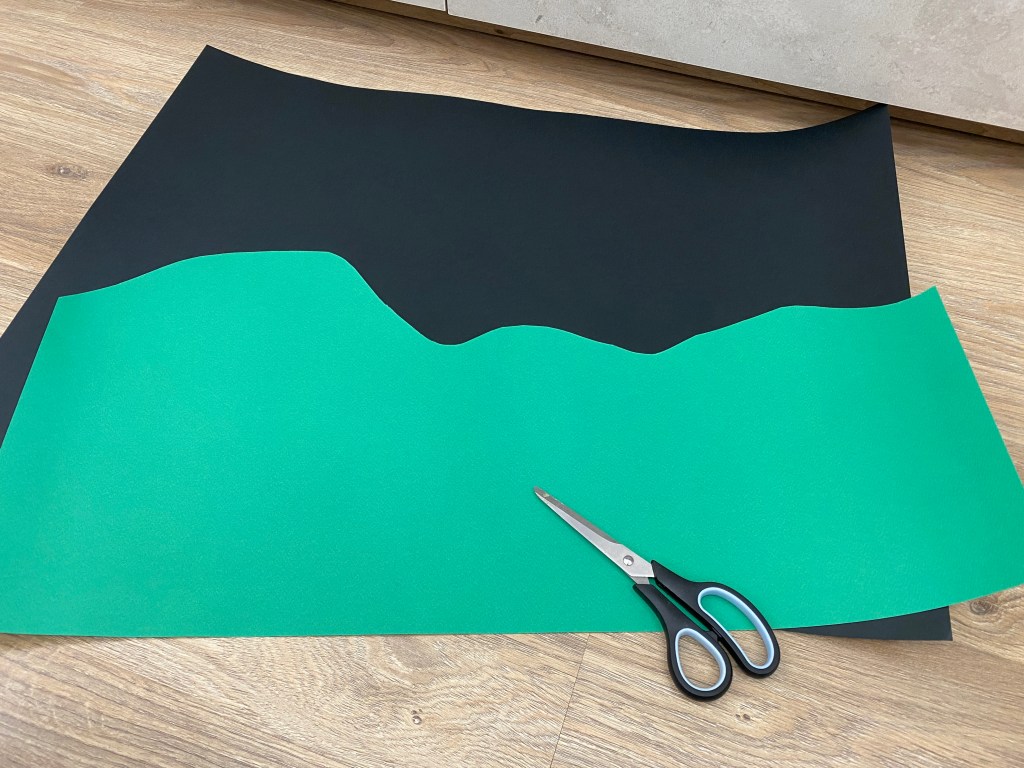
4. Glue the green outline on the bottom half of the black cardboard.

5. Glue or tape the tombstones and the other cut-out shapes onto the black cardboard and the hills.
6. Optional: You can even add spiderwebs, pumpkins, or skeletons for extra Halloween flair.
7. Display proudly in your computer lab, library, or hallway.
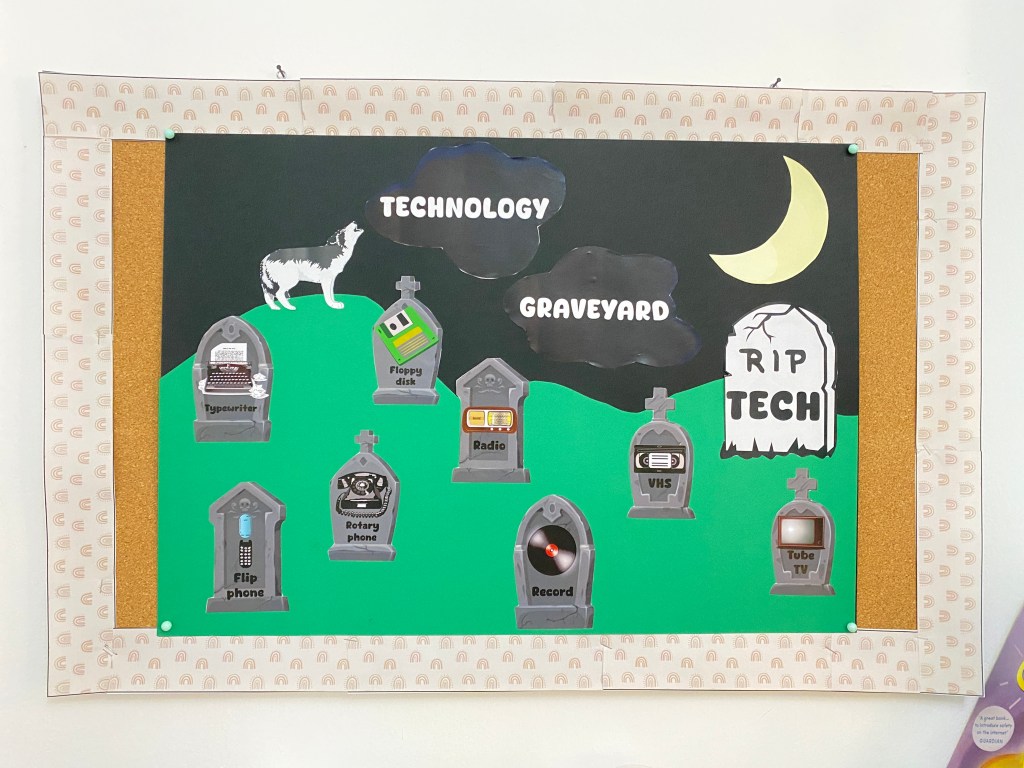
👉 Pro Tip: Have students contribute by brainstorming other “dead tech” they know of and adding their own paper tombstones to the board. It makes the project interactive!
🎁 Free Download
You know I love Halloween! That’s why I decided to give you the PDF file for this poster for FREE, so you’ll be able to enjoy it as well. I really hope your students like this idea, and I hope it sparks an interesting conversation at least. Click below to grab your FREE “RIP TECH” poster PDF. Print, cut, and decorate to create your own tech graveyard this Halloween!
While we are still on the same topic, another great poster/bulletin board I do every year around Halloween is the “Halloween Online Safety Technology Bulletin Board and Poster“. Maybe you’ve already seen it in my previous blog post (or on my Instagram), but if you haven’t, here it is:


This display isn’t just about spooky pumpkins and candy—it’s also packed with helpful tips for staying safe online, something I believe is extremely important! Messages like “Don’t share your real name online,” “Keep your personal info private,” “Protect your password,” and “Limit your screen time” encourage kids to think about the choices they make on their devices every single day. (a topic that’s been haunting me ever since I became a mother a couple of years ago) I wrote a whole blog post about this bulletin board idea, just click here to go there and read the whole article (and maybe purchase the resource, if you don’t have time to create it yourself).
 Technology Realm Resources
[…] Instead of going all-in on pumpkins and ghosts, I like to mix in technology-inspired decorations that make the lab feel unique. One of my favorite projects is creating a “Technology Graveyard” bulletin board. Old or outdated technology—like floppy disks, VHS tapes, or even cartoon drawings of devices we no longer use—gets transformed into gravestones on a big poster. It’s a great conversation starter about how quickly technology changes, and it adds just the right amount of spookiness to the room. This year, I finally decided to stop making the Halloween poster from scratch (like I’ve done every other year) and instead created a ready-to-use template. It turned out so cool! I absolutely love how it looks, and the best part is that next year I’ll be able to put it together in half the time. Since Halloween is one of my favorite holidays, I’m excited to freely share this resource/kit with you—so you can join in the fun and celebrate too! Click here to get the FREEBIE. […]
LikeLike